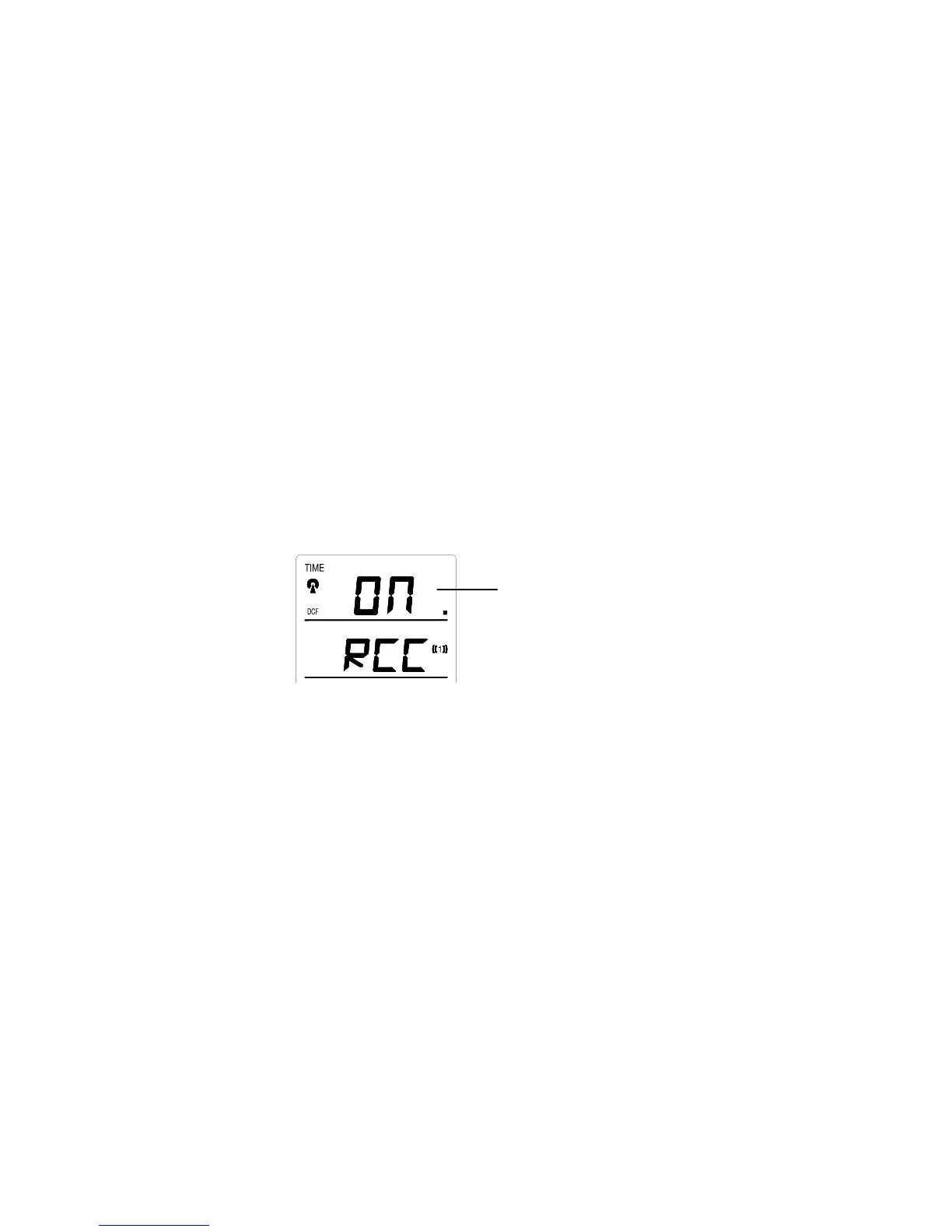
The time zone default of the Weather Station is 0. To change to another time zone:
1. Press the SET key after completing the LCD contrast setting in order to enter the time zone setting
(flashing).
2. Using the IN key, set the time zone. The range runs from 0 to +12 and then runs from -12 back to 0 in
consecutive 1hour intervals.
3. Press the SET key to confirm and enter the “Time Reception ON/OFF setting” or exit the setting mode by
pressing the CH or SNZ key
TIME RECEPTION ON/OFF SETTING
Digit flashing
In area where reception of the DCF-77 time is not possible, the DCF-77 time reception function can be turned OFF.
The clock will then work as a normal Quartz clock. (Default setting is ON).
1. The digit “ON” will start flashing on the LCD.
2. Use the IN key to turn OFF the time reception function.
3. Confirm with the SET key and enter the “12/24-Hour Display setting” or exit the setting mode by pressing
the CH or SNZ key.
40












 To Next Page