Manual time setting
Calendar setting
Press and hold the SET button for about 3 second to advance to the setting mode:
TIME ZONE SETTING
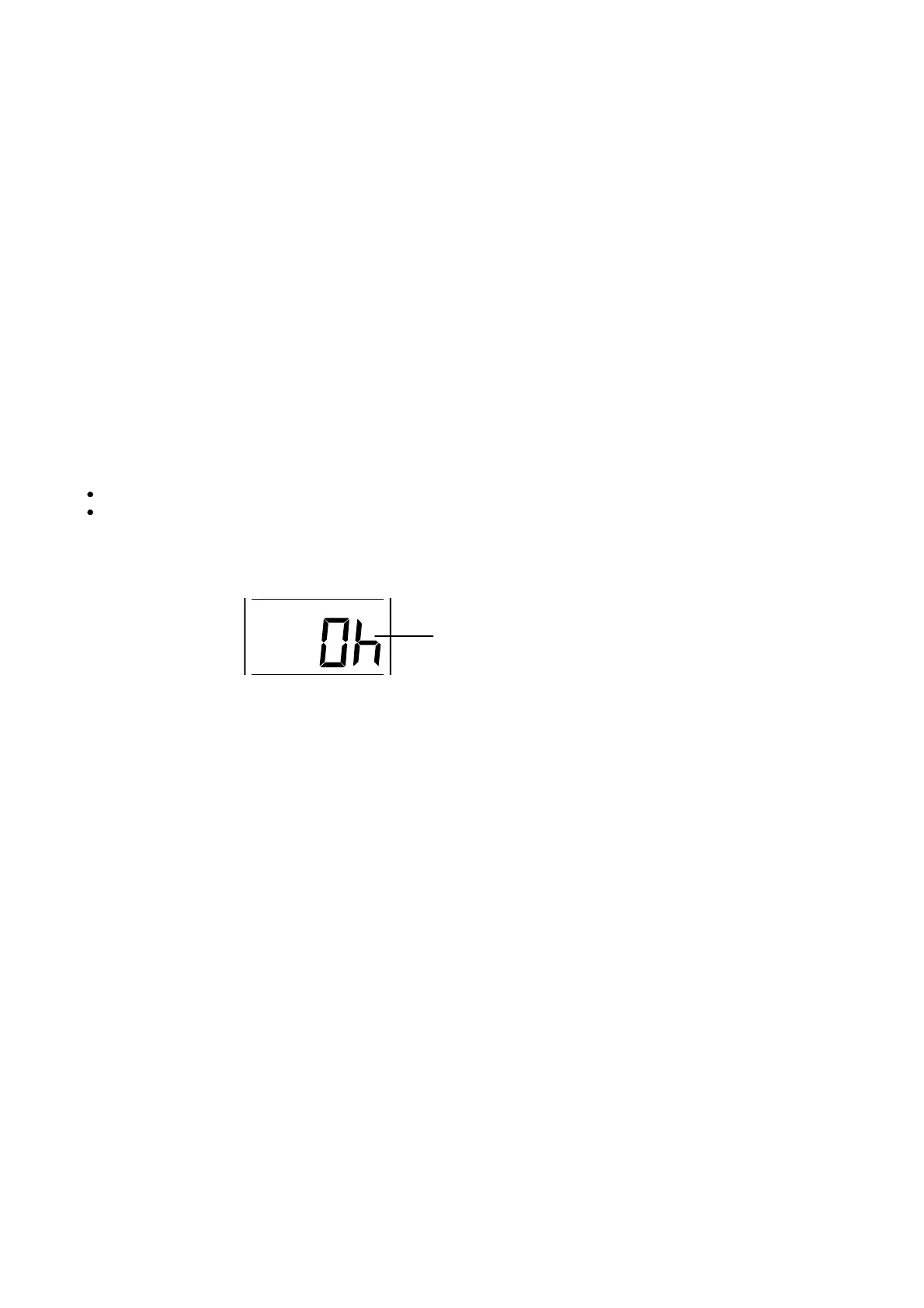
The time zone default of the temperature station is 0h. To change to another time zone:
1. The time zone “0” start flashing. Use the + key, set the time zone. The range runs
from –2h to +5h and then runs from +5h to -2h back in 1 hour interval.
2. Press the SET key to confirm and enter the “Time reception ON/OFF setting”.
TIME RECEPTION ON/OFF SETTING
In area where reception of the DCF-77 time is not possible, the DCF-77 time reception
function can be turned OFF. The clock will then work as a normal quartz clock. (Default
setting is ON).











 To Next Page