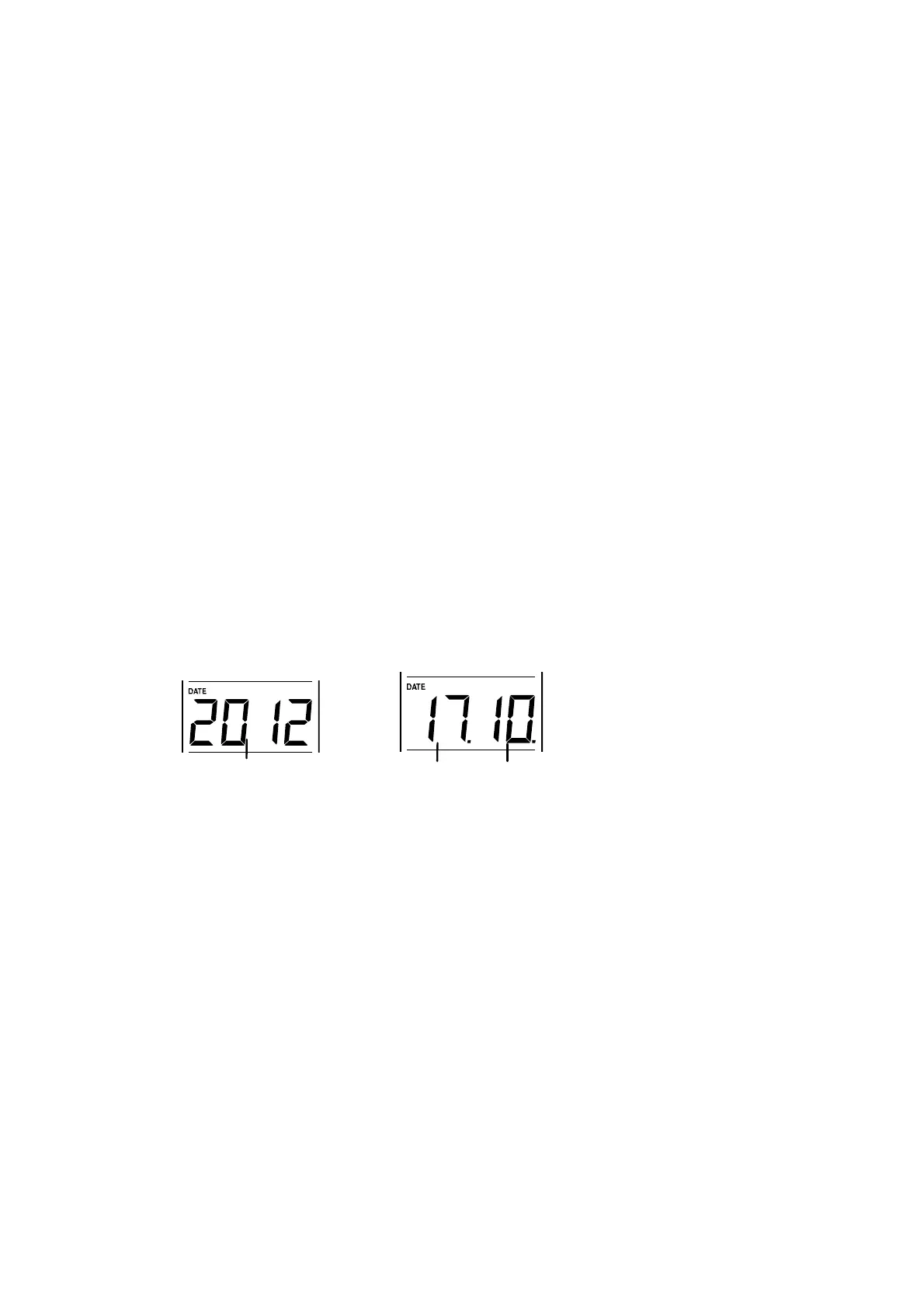
4. Confirm with the SET key and enter the “Calendar setting”.
Note:
The unit will still try and receive the signal despite it being manually set. When it does
receive the signal, it will change the manually set time into the received time. During
reception attempts the DCF tower icon will flash. If reception has been unsuccessful, then
the DCF tower icon will not appear but reception will still be attempted the following day.
CALENDAR SETTING:
The date default of the temperature station is 1. 1. of the year 2012. Once the radio-
controlled time signals are received, the date is automatically updated. However, if the
signals are not received, the date can also be set manually. To do this:
1. Using the + key, set the year required. The range runs from 2012 to 2039 (default
is 2012).











 To Next Page