WT549 Manual
EN8
display will light up for 3 seconds, you will hear a
beep tone and the clock detects indoor temperature.
Then the clock will enter the radio controlled time
signal reception mode.
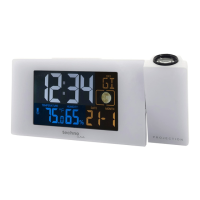
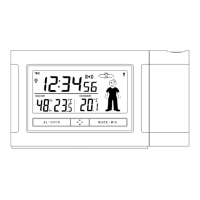
Projection function:
Continuous projection is only possible by using the
power adapter
When using the DC-adapter supply, touch the “-”
button can choose high brightness / low brightness /
no backlight brightness. The projection will always
work.
Backlight and Projection function
Battery Mode
Touch once “SNOOZE/LIGHT” button to active
backlight and projection for 8 seconds (the
projection switch in “ON” position)
DC-adapter Mode
When using the DC-adapter supply, touch the “-”



 To Next Page