WT549 Manual
EN13
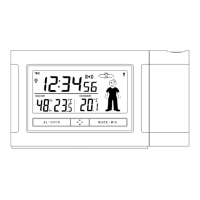
and the ° C / ° F temperature display will flash. Press
the "+" or "-" button to change the format.
Press the "MODE-SET" button to confirm the setting
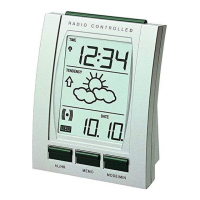
and the weather forecast will start to flash. Press the
"+" or "-" button to set the current weather situation.
Press “MODE-SET” to confirm your setting and to
end the setting procedures.
Please note:
After 30 seconds without pressing any button, the
clock switches automatically from Set Mode to
Normal Time Mode.
Setting the daily alarms:
Please toggle the alarm switch to ON position, LCD
display the “ ” icon, the alarm function is ON, toggle
the alarm switch to OFF position, the “ ” icon will
disappears from the display, the alarm function is OFF.
Press “MODE-SET” button once, to switch display to
first alarm time. Press “MODE-SET” button twice, to
switch display to second alarm time.



 To Next Page