1166 UHF Reader User Guide V1.07Copyright © 2019 Technology Solutions (UK) Ltd
20
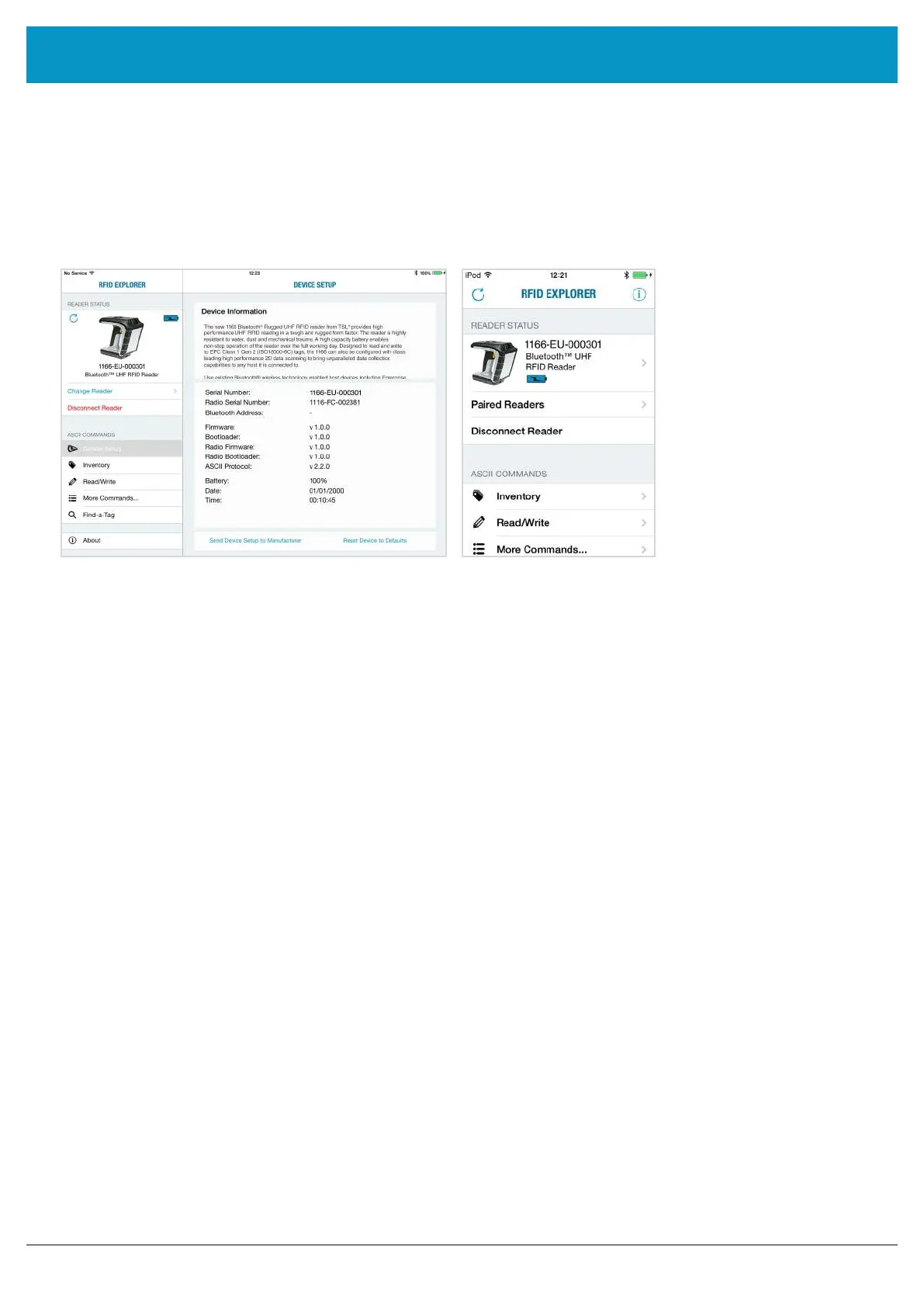
The selected device’s image will appear, accompanied by relevant device information. The ‘Inventory’, ‘Read/
Write’, ‘Commands’ and ‘Find a Tag’ features can now be explored. To maximise battery life it is recommended to
release the 1166 UHF Reader from its
Bluetooth
®
connection if the reader is not to be used for a significant period
of time.
BLUETOOTH
®
WIRELESS TECHNOLOGY CONNECTION
iPod
®
/ iPhone
®
iPad
®
Figure 19: 1166 UHF Reader selected and ready to use
www.tsl.com



 To Next Page