1166 UHF Reader User Guide V1.07Copyright © 2019 Technology Solutions (UK) Ltd
7
LOCKING THE BATTERY COVER
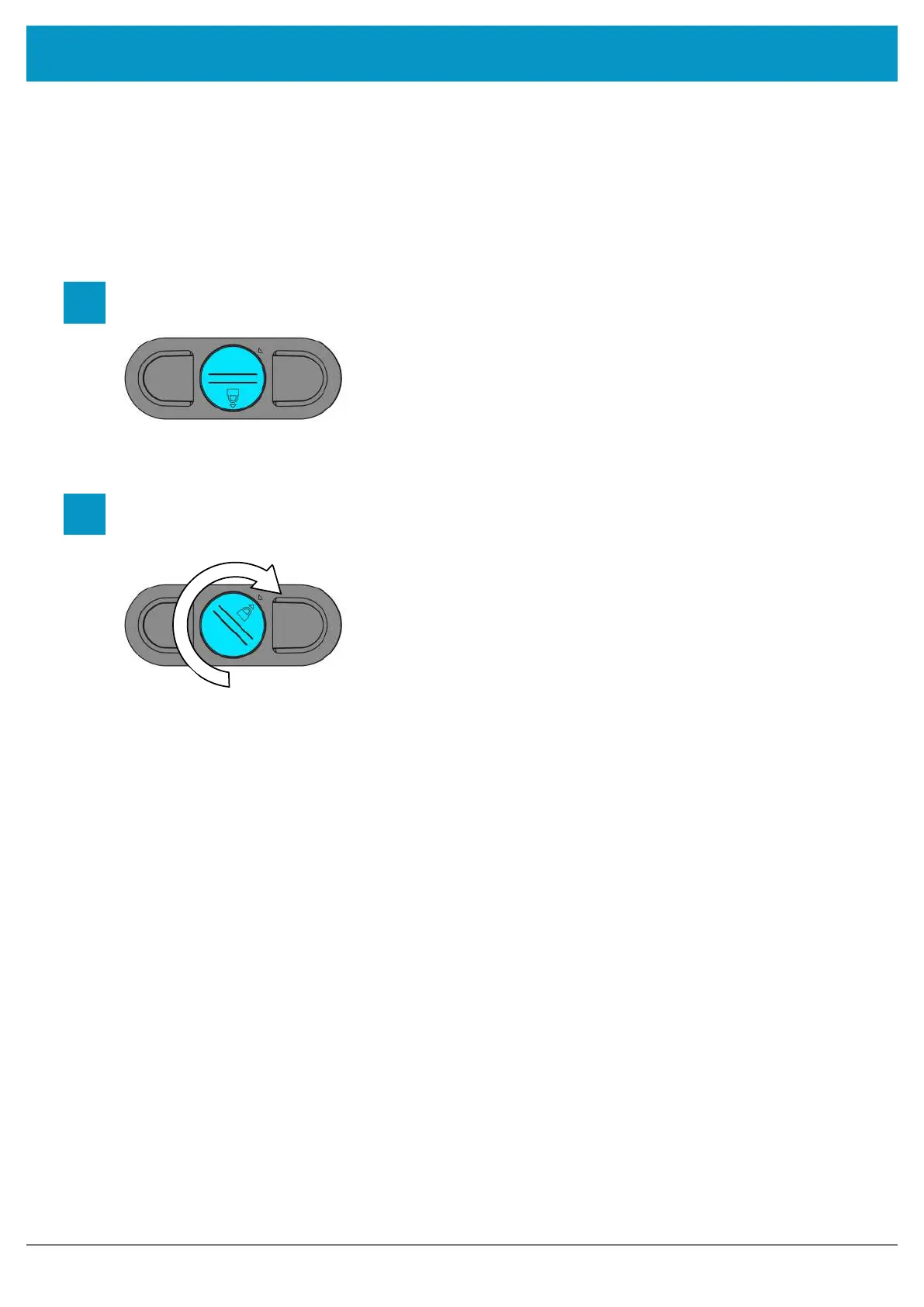
To lock the battery cover, lightly tighten the ‘Battery Cover Screw’ in a clockwise direction using a mid-sized coin.
Do not over-tighten the screw as this will damage the seal.
Lightly rotate the ‘Battery Cover Screw’ clockwise until the padlock symbol meets the arrow. Do not over-
tighten or you will risk damaging the seal.
1
2
Locate ‘Battery Cover Screw’
USING THE 1166 UHF READER
www.tsl.com



 To Next Page