Troubleshooting
Troubleshooting
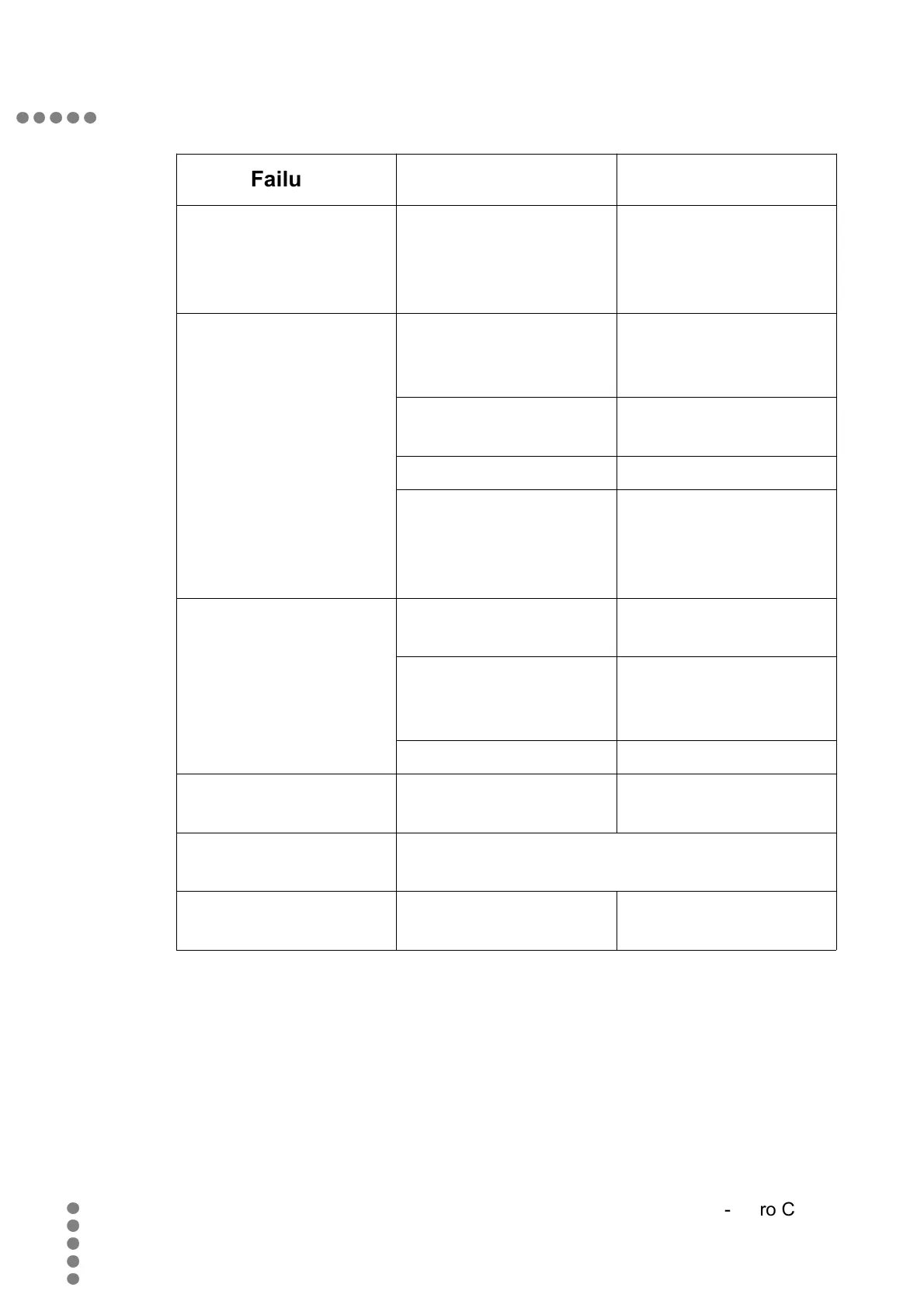
Failure Possible cause Solution
other devices like
WLAN devices,
DECT or mobile
devices.
between devices.
No, bad or disturbed
video
HDMI, SCART or
VIDEO Cable not
properly plugged in
Check connectors
Channel information
has changed
Apply automatic
channels search
Wrong video format Change video format
Device does not
support selected
HDMI settings
Change HDMI
settings
Device does not
follow the remote
control commands
Obstacle between
remote and receiver
Remove obstacle
Corrupt data stream Plug off power supply
unit and plug it in
again.
Batteries empty Put in new batteries
Devices suddenly
switches off
The automatic switch
off feature is active
Switch off this
feature.
Recording does not
work
This device does not support recording.
weather data Network settings not
correct
Check your network
settings
60
TT-micro C2810


 To Next Page