Software version 2.2.1_2015-02-21
-
7
-
3. QUICKSTART GUIDE
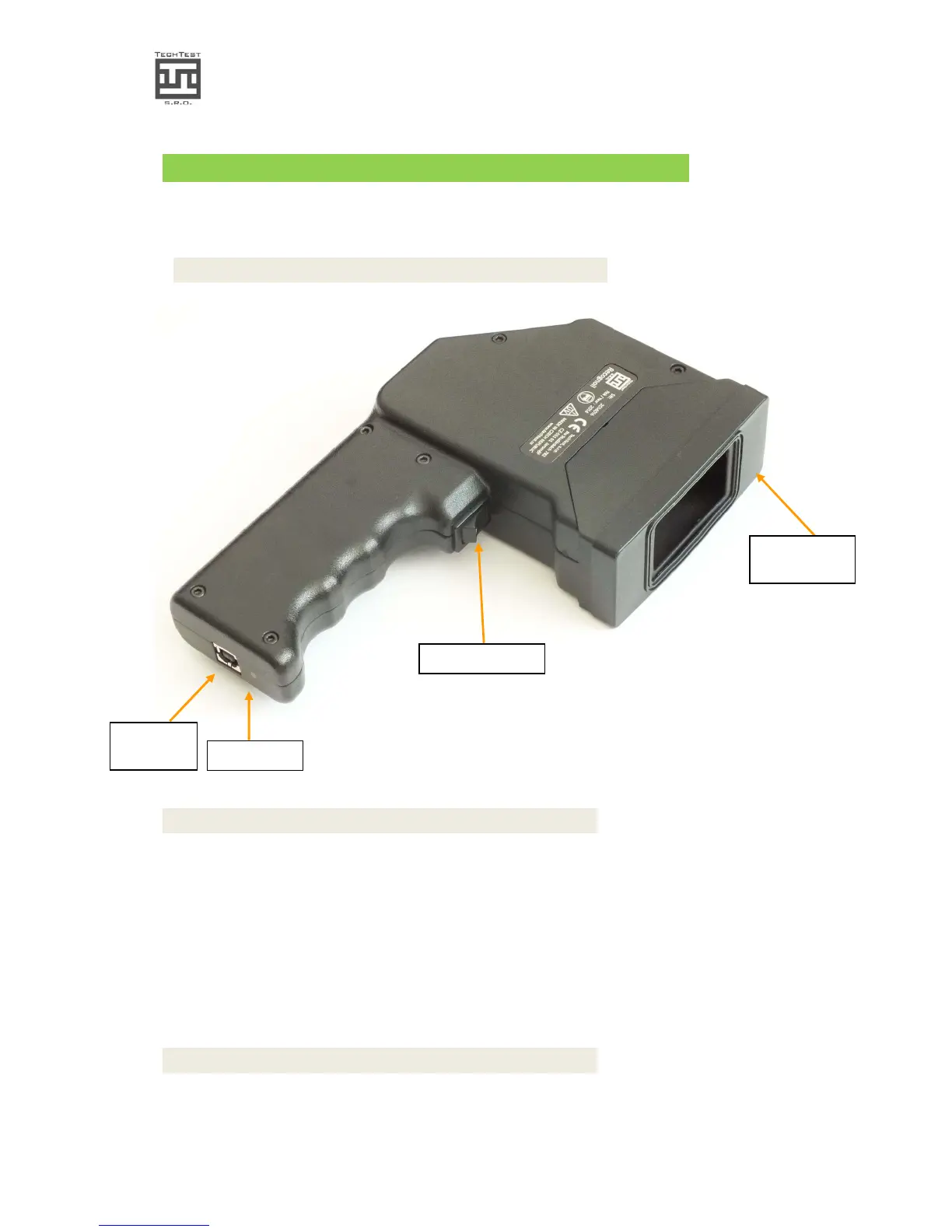
3.1. Device component overview
Img. 1.: Component overview
3.2. Hardware
Prior to use, connect the USB cable. You can run the PC Software Recognoil.
After that, if battery voltage is O.K. you will be able to choose a detection mode.
After the detector activation, choosing a mode and exposition trigger press, the surface is
irradiated and the results are being collected. Please read more information in the
Software chapter.
3.3. Software
Minimum system requirements:
• Intel Atom Z2760, 1 GB RAM
Trigger switch
USB
connector
Removable
silicon sleeve


 To Next Page