15
english
16
english
SETTING THE INSTRUMENT FUNCTIONS
VIEW TIME ZONE 1 / TIME ZONE 2
Your Enduro instrument allows you to set two separate time
zones. In TIME MODE, Time Zone 2 can be viewed by a
PRESSING the START/LAP key. When viewing Time Zone
2, the display will indicate T2 in the upper left of the display.
PRESS & HOLD the START/LAP key to change primary time
zone display.
NOTES FOR SETTING THE INSTRUMENT
NOTE: When in setting sequence, the variable being
set will blink.
NOTE: When in setting sequence, “+” and “-” icons
are displayed whenever it is possible to increase or
decrease a variable that is being set.
NOTE: If no key is pressed for 60 seconds while in
setting mode, setting mode automatically exits and
changes will not be saved.
NOTE:
PRESS SET/CLEAR key to exit setting
sequence.
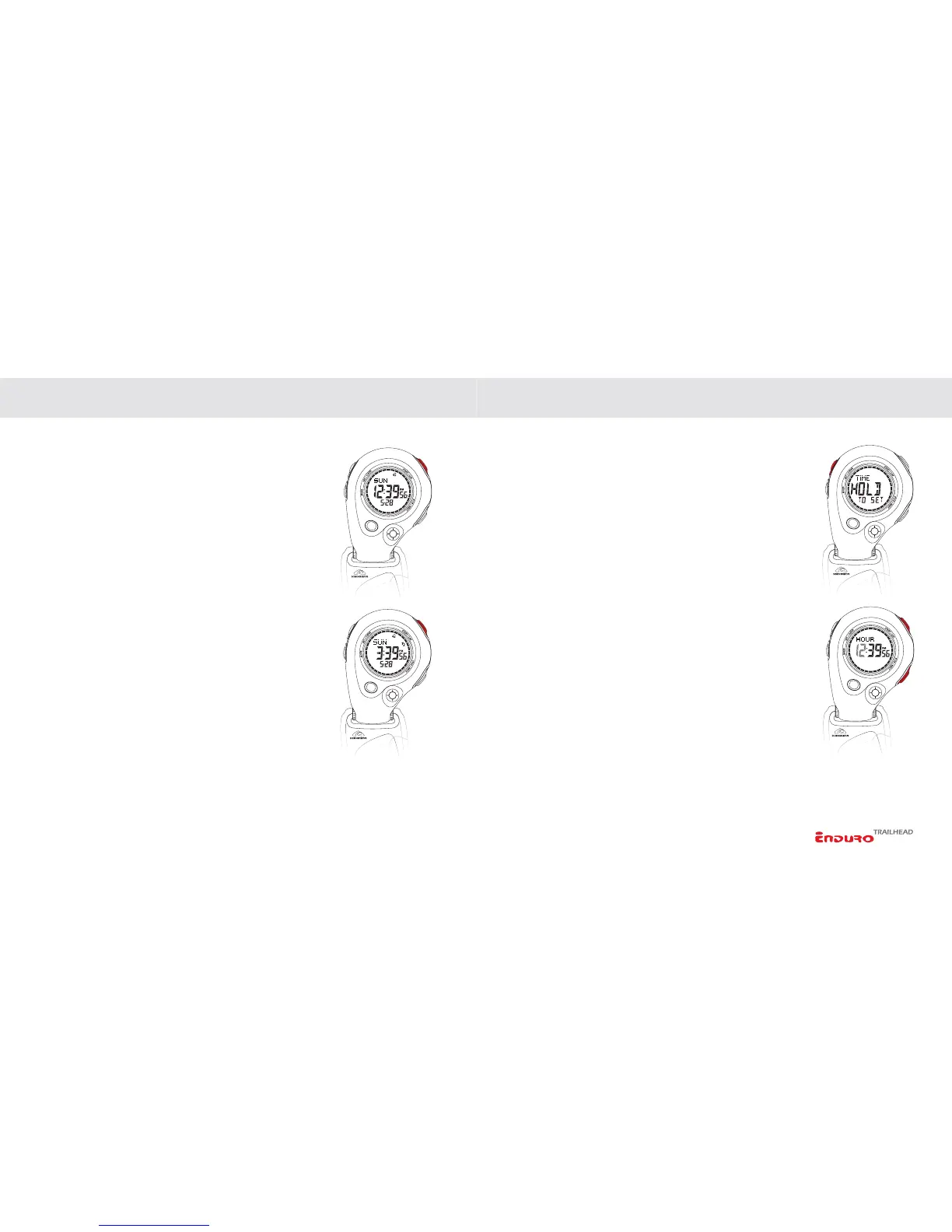
SETTING TIME/DATE
1. Advance to TIME screen by PRESSING the MODE key.
2.
PRESS & HOLD the SET/CLEAR key to enter the setting
sequence.
3. Adjust HOURS by
PRESSING the START/LAP or STOP/
NEXT
keys.
4. Advance to set MINUTES by
PRESSING the MODE key.
Adjust by
PRESSING the START/LAP or STOP/NEXT keys.
5. Advance to set SECONDS by
PRESSING the MODE key.
Adjust by
PRESSING the START/LAP or STOP/NEXT keys.
6. Advance to set YEAR by
PRESSING the MODE key. Adjust
by
PRESSING the START/LAP or STOP/NEXT keys.
(
CONTINUED NEXT PAGE)
SETTING THE INSTRUMENT FUNCTIONS



 To Next Page