Techwell,Inc. TW8816 Evaluation Board User’s Manual
Repeat previous command (by pressing “/” button)
[8A]>r 2
Read [Adrs:8Ah,02h] 60h
[8A]> // [/]
Read [Adrs:8Ah,02h] 60h
[8A]>
Special commands. Some of these commands are not available.
E E Level Set debugging message level
0: Only error message
3: Information message
* 2 Call loader
P On/Off flat panel
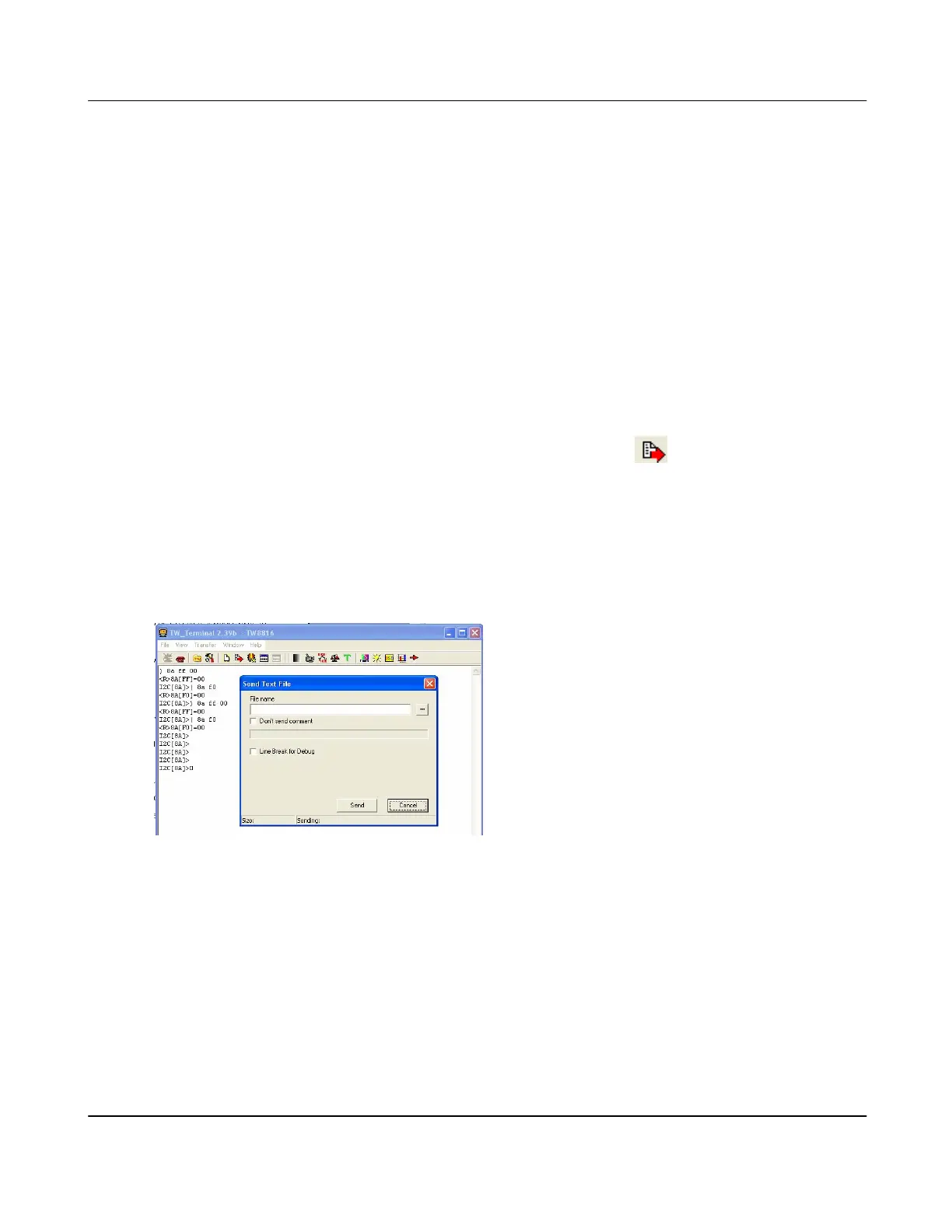
d. Using Text Files
Menu Bar and go to Transfer > Send Text files or click on the
button. This will enable
text file downloading. This function is useful when multiple commands need to be executed. It
works same as typing every character in the text file. Also, this can be used with the files
created by the “Save Register” feature.
When text file is downloaded, the delay time between characters and between lines can be
adjusted by setting ‘Delay for Text Sending’. If the downloading is not working well, the delay
values need to be increased.
e. Firmware Up-grade
The USB Interface Board must be connected to the respective DB9 connector. For
Winbond firmware upgrade, it must be connected to CN13 of the TW8816 Main Board.
For internal microcontroller upgrade, we recommend to connect the USB Interface
Board to the “Embed MCU with TW9910 Board.”
i. Connect the SPI cable, which is a cable from the USB Interface Board (JP3 and
JP2) that is required to be connected to the SPI headers (J3) on the “Embed
MCU with TW9910 Board.” Also, make sure the firmware of the USB Interface
Board has supports SPI. Please refer to the USB Interface Board User’s
Manual for more instructions.
Version 1.00 9/25/2007



 To Next Page