Button functions
Status bar
http://www.teclast.com
3
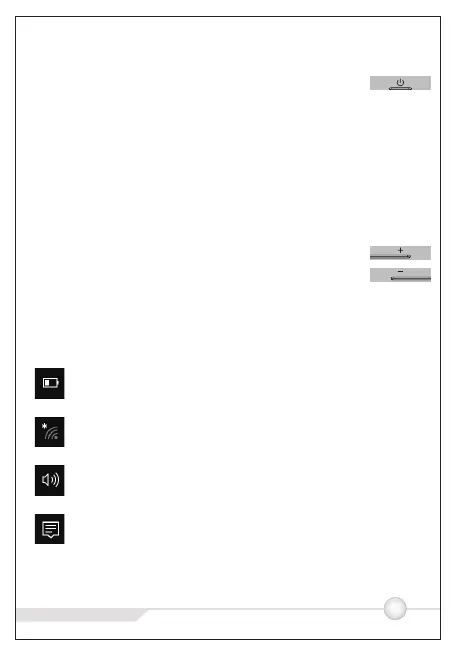
●Power button:
◎ When device is off, keep pressing power button for 3
secs to turn on the device
◎ When device is on, short press power button to turn
on/off screen
◎ When device is on, keep pressing power button for 3
secs to access to power off interface, keep pressing for
10 secs to forcibly power off the device
●Volume+ button:Short press to increase the volume
●Volume- button:Short press to decrease the volume
............. ... ..... ... ...... ....... .... . . . .
Battery power display, click to set the screen brightness and
switch power save mode, system takes control of screen
brightness in power save mode.
WiFi signal strength, click to set WiFi connection and
switch on/off flight mode.System turns off WiFi connection in
flight mode
Volume status indicator, click to control the speaker
Notification center, click to check notifications and to access
action center. For more information, please check “Action
Center” section.
volume



 To Next Page