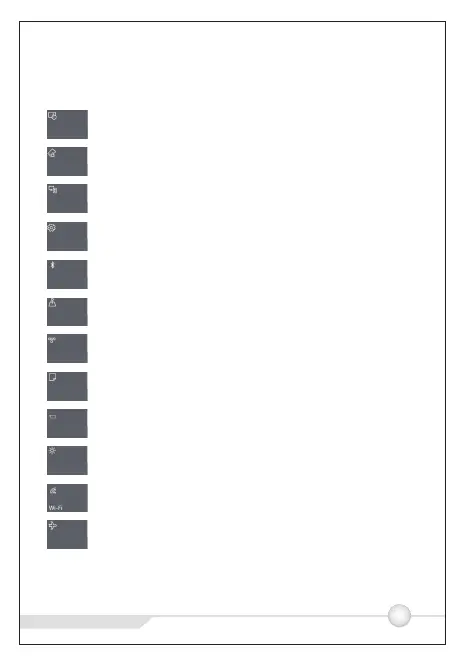
Action center
http://www.teclast.com
5
Press to turn on/off tablet mode
Press to lock/unlock screen rotate
Press to search and connect to wireless display
Press to open all settings
Press to turn on/off Bluetooth
Press to turn on/off GPS
Press to access to VPN settings
Press to open OneNote (need to login Microsoft account)
Press to turn on/off battery saver mode
Press to adjust screen brightness
Press to turn on/off WiFi
Press to turn on/off airplane mode
Tablet mode
Rotation Lock
Connect
All settings
Bluetooth
Location
VPN
Note
Battery saver
Brightness
Airplane mode



 To Next Page