PROVASET T3LPF REV.20210610
78
3
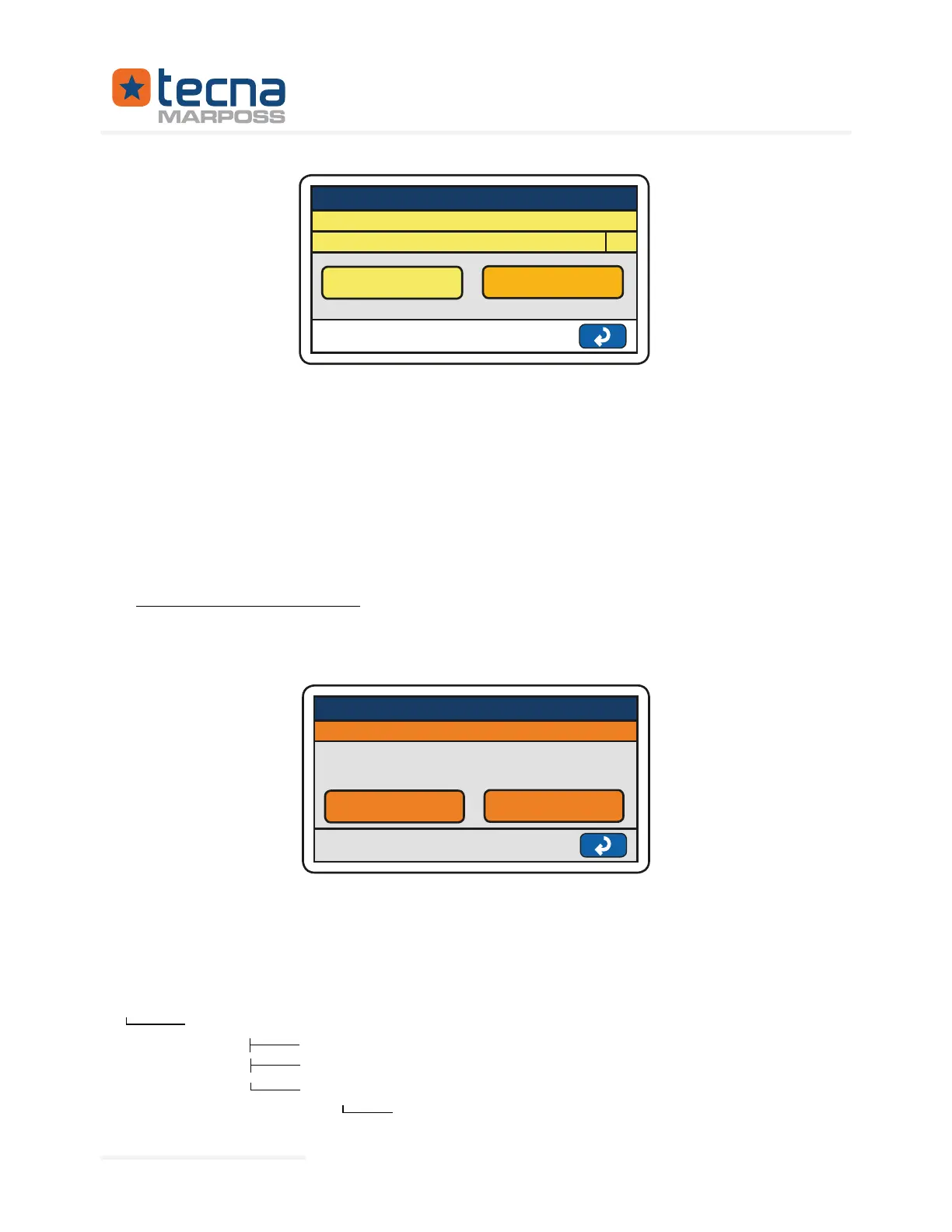
AUTOTEST
ACTIVATE
STOP
PROGRAM: TAB 1
DELAY (s)
Press on the numerical value to the right of the DELAY (s) item to change the time
interval between one test and the next one.
Press ACTIVATE to activate the autotest cycle: the cycle will start only after giving a
start. The information that the autotest is active will be shown in the top bar of the
T3L.
Press STOP to disable the autotest. IMPORTANT: this will not stop the test but only the
automatic start of the following test.
If necessary, it is also possible to stop the autotest in the same way as when you reset
with the start button.
7.3
Utility: Backup and Restore
RESTORE menu.
BACKUP / RESTORE
BACKUP
RESTORE
BACKUP / RESTORE STAND-BY
WARNING: always verify the data after reset.
Restart T3L after reset!
Through this function it is possible to backup programs, products, general parame-
By pressing the BACKUP key, T3L copies the general parameters, programs, prod-
structure on the key is as follows:
T3LBAK
PROGRAMS
PRODUCTS
CONFIGS
RESERVED
Represented By: GTEK AUTOMATION Lake Forest, CA 92630 Ph. 949-680-4242 www.gtek-automation.com


 To Next Page
 Loading...
