PROVASET T3LPF REV.20210610
92
the request with the [YES] key or press the [NO] key to exit.
11.2.2 Flow sensor gain calibration (gain)
performed up to a maximum of 10 calibration points, from zero to full scale positive.
-
erated by the electronic pressure regulator inside the instrument and adjusted
using the [+/-%] keys, available in the menu pages for gain calibration.
6157
39.32
40.00
6263
-1
%
-0.1
%
-0.01
%
+0.01
%
+0.1
%
+1
%
l/min
l/min
FLOW - 1
Read A/D bits
Reading
Saved A/D bits
Reference
CALIBRATE!
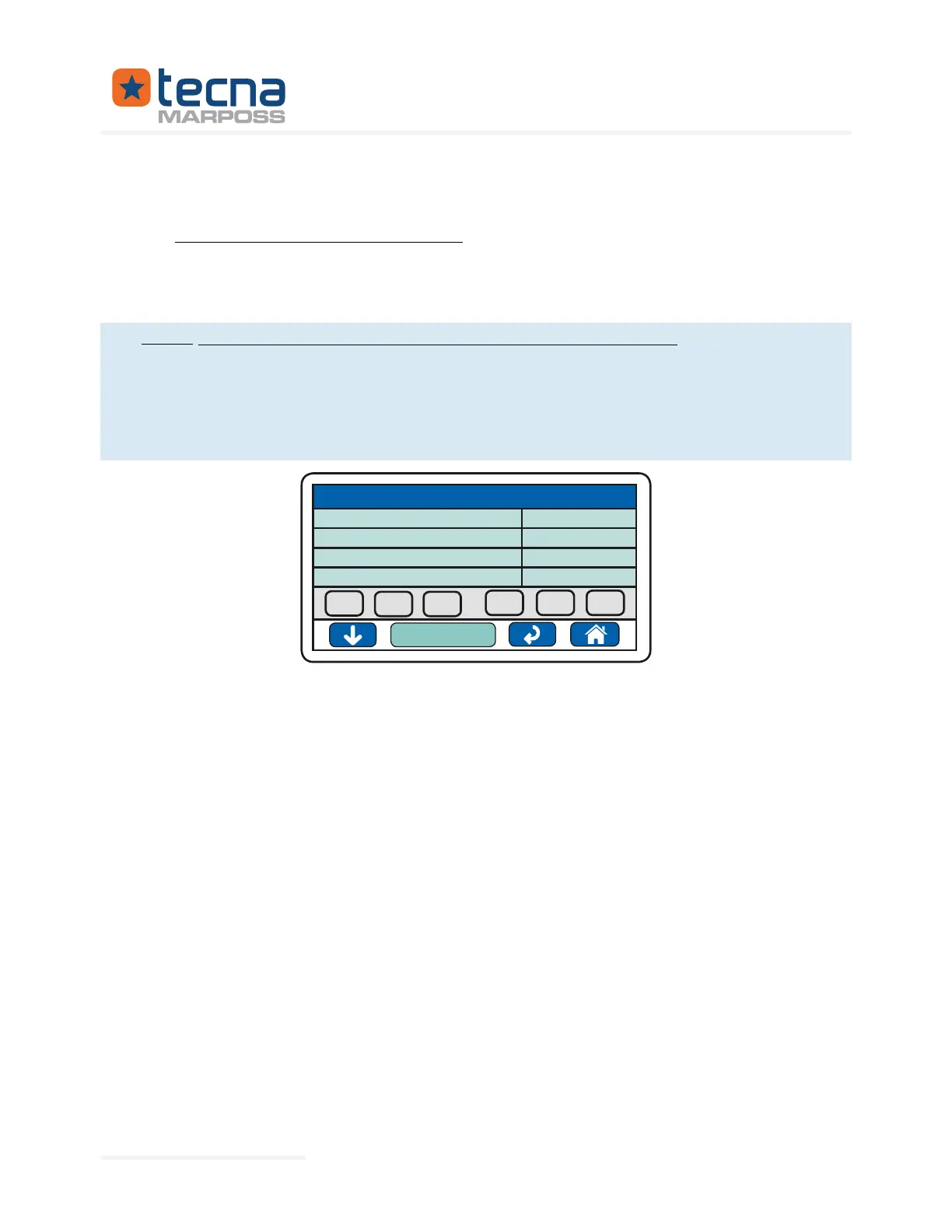
Proceed as follows for the adjustment:
1.
2. Press the “Gain calibration” button to display the calibration page;
3. The calibration step is indicated in the upper line; in the example: FLOW -1 =
step 1;
4.
calibration step;
5. -
6. -
grammed in the "F. Sample" parameter indicated on the menu page;
7.
them equal;
8.
reading on the digital meter is equal to the value programmed in the parame-
ter "F. Sample";
9. Press the [Down Arrow] key to continue to the next step;
10.
must be greater than the previous step, increasing the pressure at each step,
from zero to full scale;
Represented By: GTEK AUTOMATION Lake Forest, CA 92630 Ph. 949-680-4242 www.gtek-automation.com


 To Next Page
 Loading...
