PROVASET T3LPF REV.20210610
94
12. FIRMWARE UPDATE
-
and
• and and copy them onto a pen
drive within the root directory
•
the mains power supply.
• Insert the pen drive into the USB port on the front panel of the T3L
• Push the T3L switch into the ON position (I).
• Press the button
OK
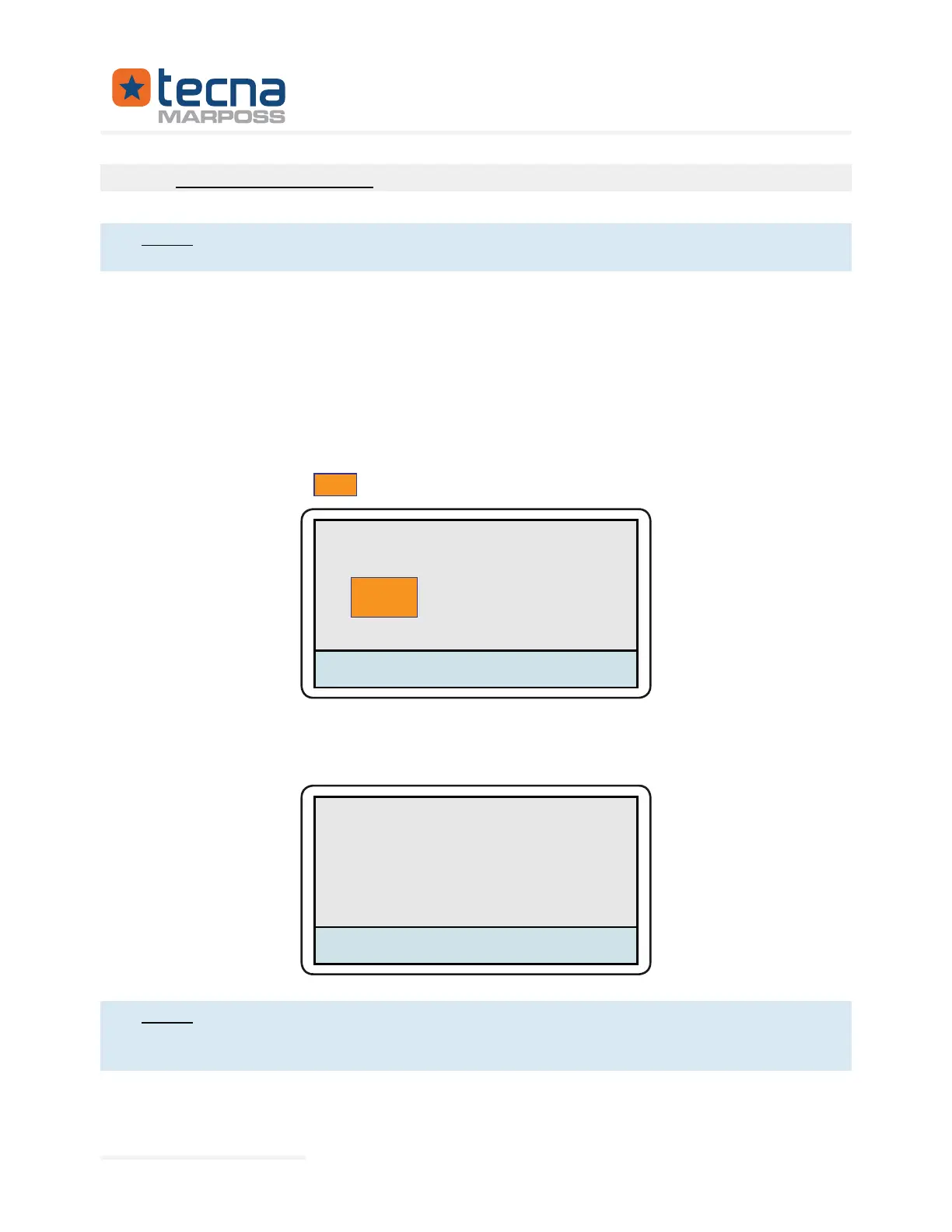
that appears on the T3L display to perform the update.
T3L - Bootloader 1.0
Firmware detected
Press OK to update
OK
-
IED CORRECTLY will appear on the T3L display.
T3L - Bootloader 1.0
RESOURCES CORRECTLY COPIED !
Once the update phase is completed and before carrying out tests, check
that previously noted before the Firmware update.
Represented By: GTEK AUTOMATION Lake Forest, CA 92630 Ph. 949-680-4242 www.gtek-automation.com


 To Next Page
 Loading...
