15
Rotate the volume knob clockwise to increase the volume and counterclockwise to
decrease the volume. Maximum increment is 16 levels.
Channel selection / Group selection
Choose the wanted channel/group using the selector if it is programmed with group.
To select a group, push the selector and move to the wanted group. And then push the
selector at the wanted group as setting.
Transmitting
1. Choose the wanted group and a channel.
2. Press and hold the PTT switch, then speak into the microphone.
For best sound quality at the receiving radio, hold the microphone approximately 5~10cm
from your mouth.
3. Release the PTT to receive.
4. When you communication is completed, return the microphone to its hanger.
Power adjustment
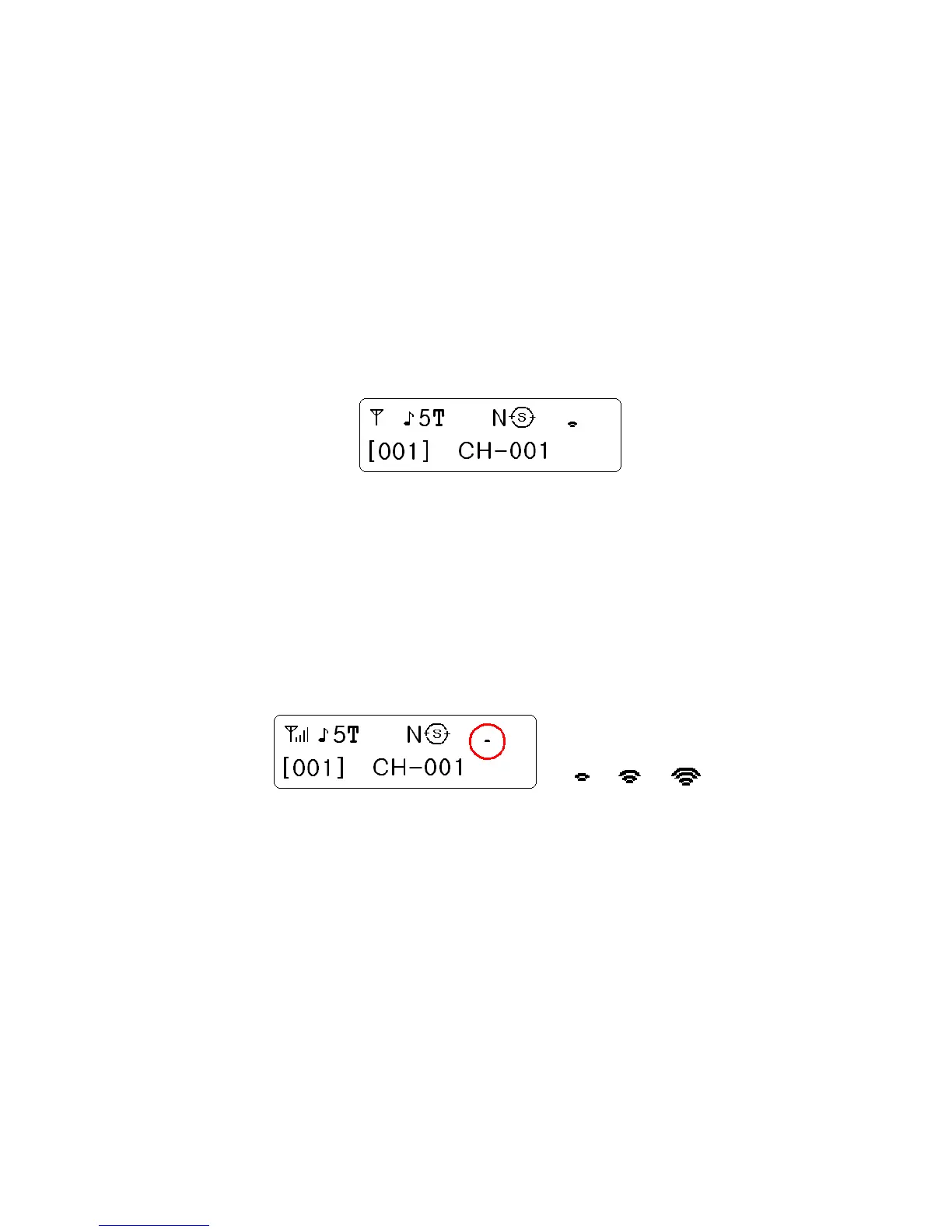
Step 1 Step 2 Step 3 Step 4
1. Press “S” button at default button function or a button programmed as power control.
2. Rotate the selector to select one of 4 steps.
Transmitting output power can be controlled with 4 steps.
The maximum is 40W for UHF radio and 50W for VHF.
Receiving


 To Next Page