5
Usage
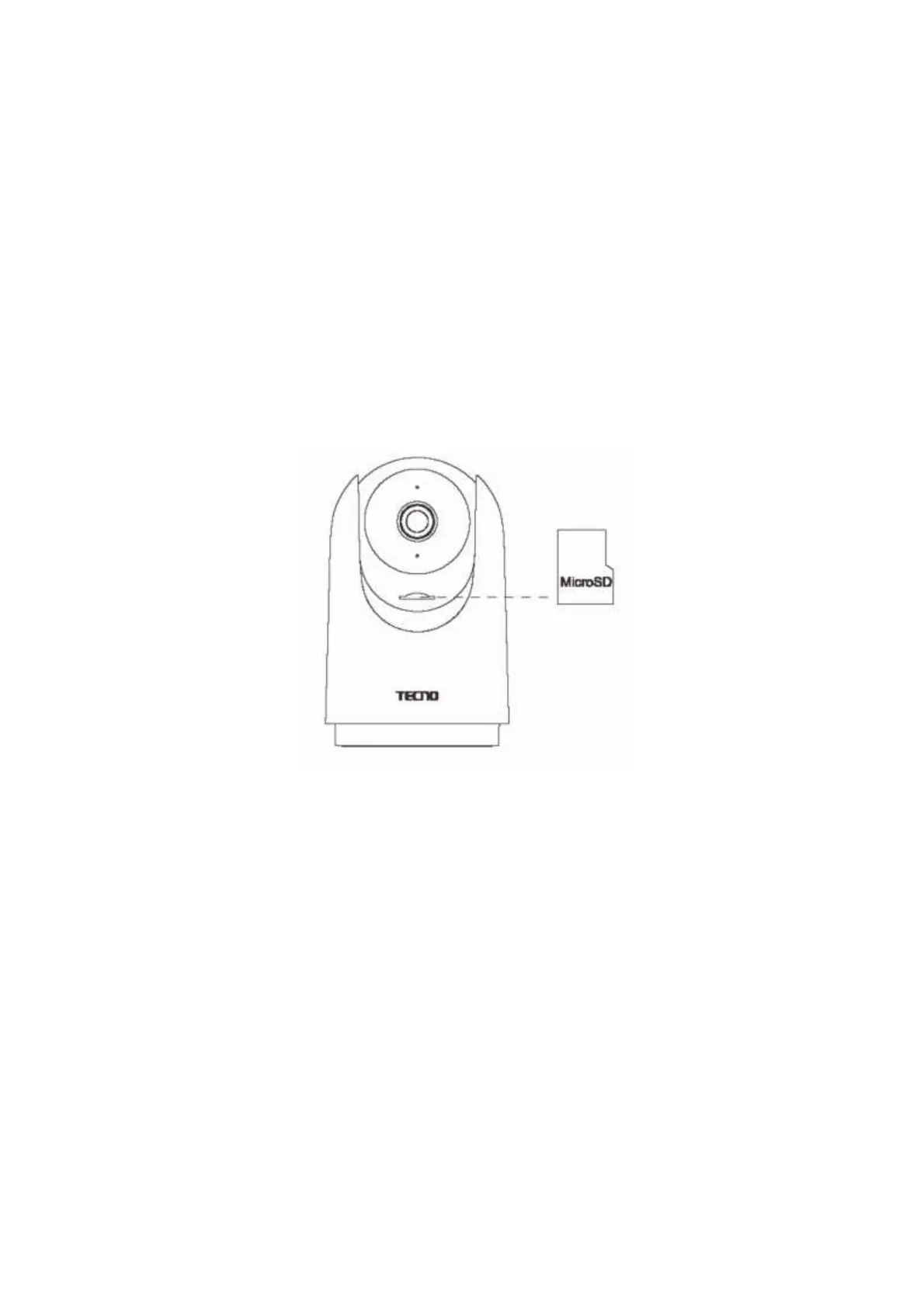
• Installing a MicroSD card
Make sure the camera is powered off and toggle the lens up to expose the MicroSD card
slot. Insert the MicroSD card into the slot with the contact side facing down.
Note: To install or remove the MicroSD card, the camera needs to be powered off
before operation. Please use the MicroSD card (maximum supported capacity is 128GB)
produced by the regular manufacturer, it is recommended that the MicroSD card
read/write speed is not less than U1/ClasslO level.



 To Next Page