7
2. INSTRUCTIONS FOR THE USER
2.1 Control panel
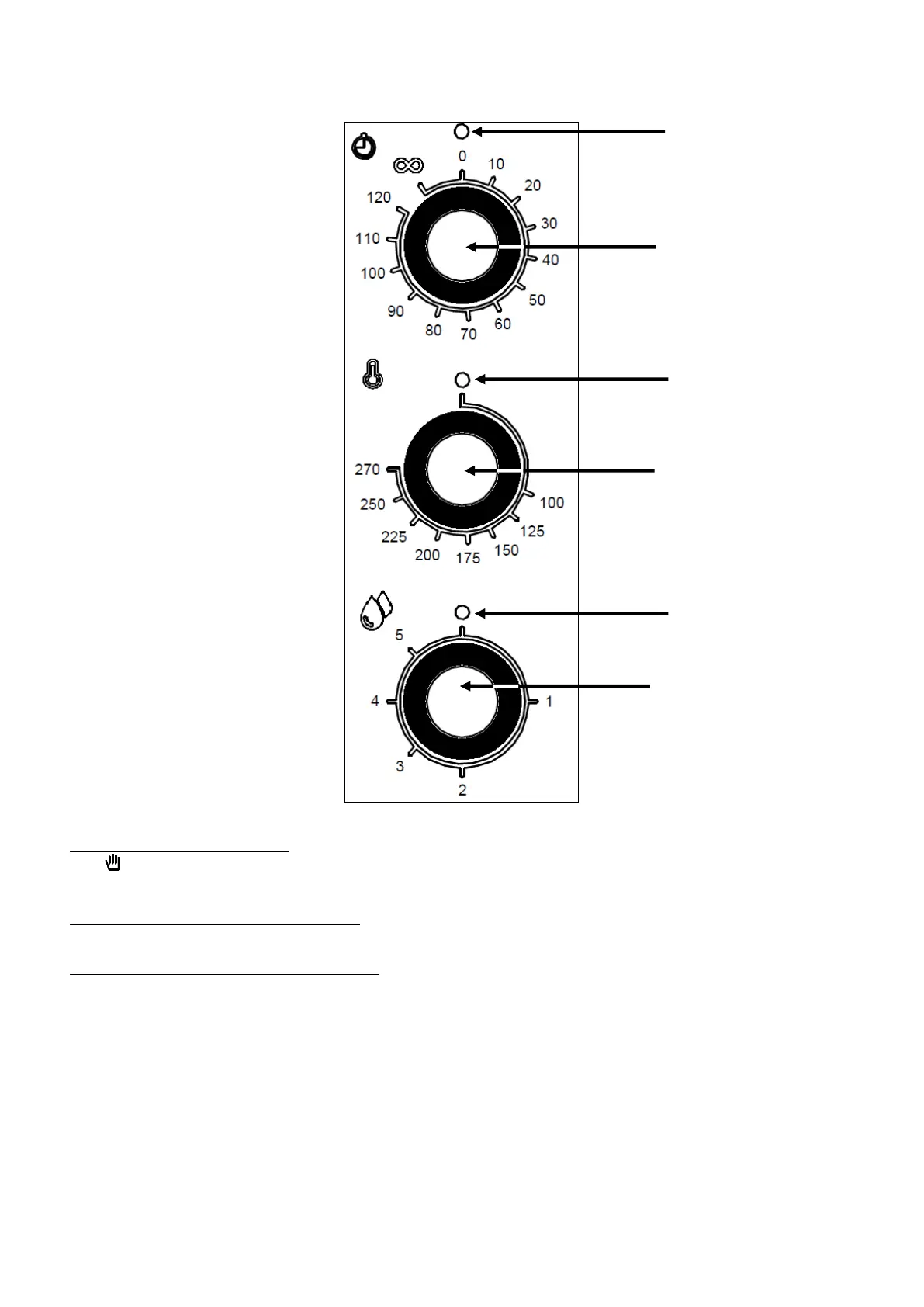
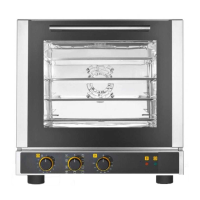
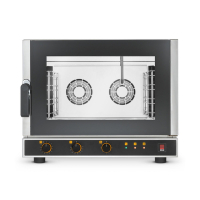
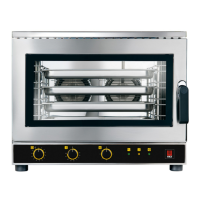
Fig.1
Programming cooking time - The oven is switched on by turning the programmer knob (Fig.1) to
the symbol (continuous operation) or to the selected cooking time (up to 120 minutes); in the
latter case the end of cooking is signalled by the oven switching off automatically.
Programming cooking temperature - Turn the thermostat knob (Fig.1) to adjust the temperature
selected for cooking.
Programming humidity/steam quantity - To generate humidity/steam during the operation of the
oven (hot cooking chamber), turn the knob of the automatic humidifier (Fig.1) to the desired value
(from 1 to 5). By turning the knob to the • (off) position the humidifier stops working.
Important
- By turning the knob to positions from “1” to “4” the humidifier works by generating
humidity/steam (water is fed into the cooking chamber) at automatically adjusted and cyclically
repeated time intervals. (A higher number corresponds to a longer time of humidifier operation,
therefore greater steam production).
- Turning the knob to position “5” disables the automatic control of the humidifier which works
by continuously feeding water into the cooking chamber (continuous humidity/steam
production).
- Before turning on the automatic humidifier, stabilise the temperature inside the cooking
chamber to a value of at least 120°C in order to optimise the production of humidity/steam.
"End of cooking"
programmer knob
Automatic
humidifier knob
"End of cooking"
programmer
warning light
Adjustment
thermostat
warning light
Automatic
humidifier warning
light



 To Next Page