English version
DMX Mode
Select the Addr menu, press the Enter key to con-
rm. Then use the initial address code Down/Up
button to set this light (A001-A512). Once you have
set your initial address code, press Enter to dene
and save. Not to make any changes, wait a minute
to automatically exit the menu and save. To main
menu, please press the Menu button.
Channel selection model
Select the Chnd menu, press the Enter key to deter-
mine. To use the Down/Up button to channel mode:
8CH (8 Channel), 11CH (11 Channels) mode. Select
the desired channel mode, press Enter to determine
and save. Not to make any changes, wait a minute
to automatically exit the menu and save. To man
menu, please press the Menu button.
Master/Slave mode
Select the SLnd menu, press the Enter key to con-
rm. To use the Down/Up key set of Master-Slave
mode need: NAST master .SL1 (Slave 1). SL2 (Slave
2). SL3 (Slave 3). SL4 (Slave 4). Select the desired
mode, press Enter to determine and save. Not to
make any changes, wait a minute to automatical-
ly exit the menu and save. To main menu, please
press the Menu button.
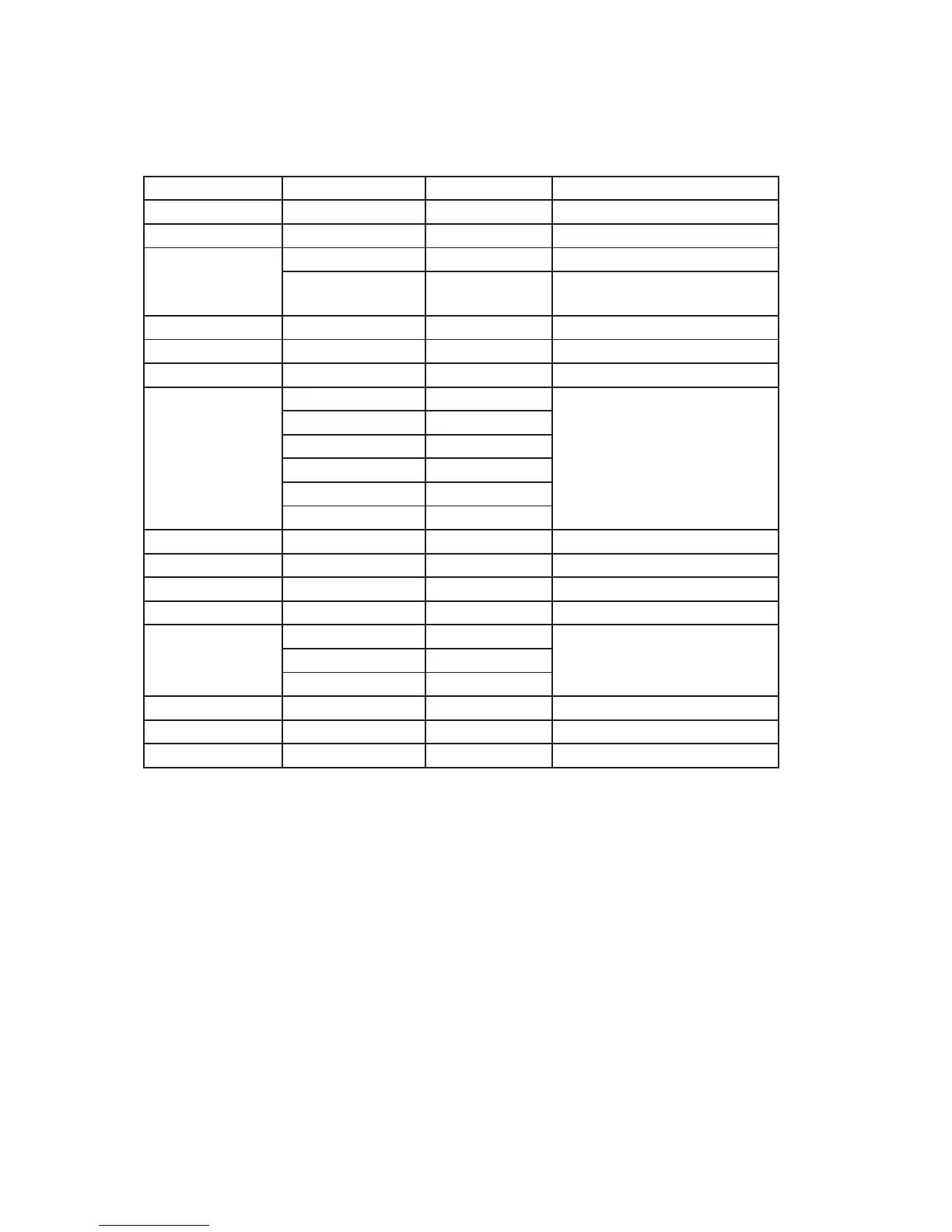
DMX Address 001 - 512
Channel Mode 8Ch - 11Ch
Slave Mode Master - Slave
Show Mode Auto Jump Change color
Sound Sound control jump color, no
run gradient eect
Fade Speed Speed1 - Speed 10 000 - 225 Gradient Speed
Color Select Color1 - Color33 000 - 225 N kinds of color
Manual Color Red 000 - 225 Manual setting
Green 000 - 225
Blue 000 - 225
White 000 - 225
Y 000 - 225
P 000 - 225
Strobe 000 - 225 (Same channel) Color patterns play role
Sound Sense 0 - 100 Sound control sensitivity
Back Light On-O Back light outo turn o
DisplayInvert Yes-No Positive and backward display
Balance Setup Red 125 - 255 White balance setting
Green 125 - 255
Blue 125 - 255
Language Setup English - Chinese Language setting
Temperature Temperature display
Auto Test Automatic testing


 To Next Page