32
GOLFING WITH THE ULT-G
®
When you have arrived at the golf
course you can connect the device
to a satellite and select the course
that you will play.
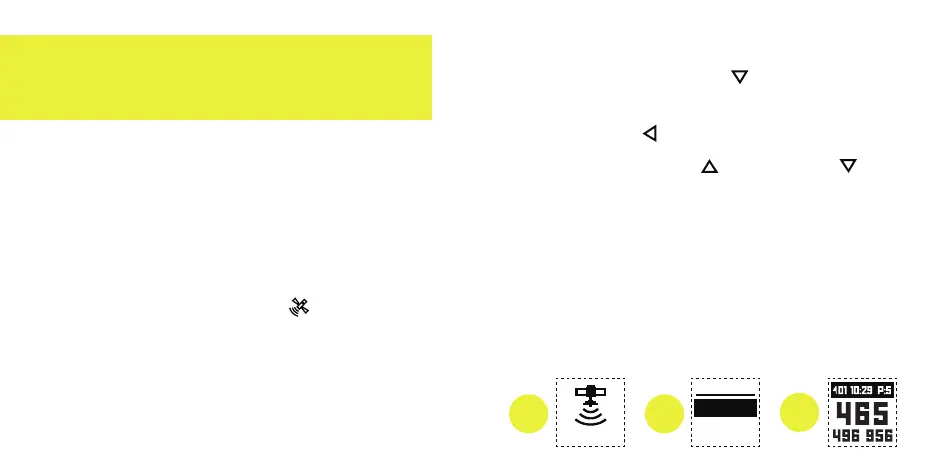
1. Outdoors, near the course you plan
to play, press the SAT button once.
The screen will show a satellite icon
and the word "SEARCHING". Then
a list of nearby courses will appear.
2. Select the course of your choice by
pressing the Down button until it
is highlighted, and then pressing
the Select button located in
between the Up and Down
arrow buttons.
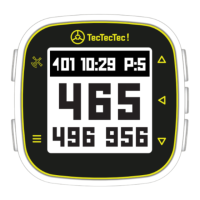
3. Once a course is selected, the Front,
Center, and Back of the Green
distances for Hole 1 will be visable
below the top bar displaying the
hole, time, and par.
1
2
3
COURSE
COURSE NAM
COURSE NAM
COURSE NAM
SEARCHING


 To Next Page