16 17
CHANGING THE LANGUAGE
The operating language can be
changed to English, French, German,
Italian, or Spanish. To change
the language:
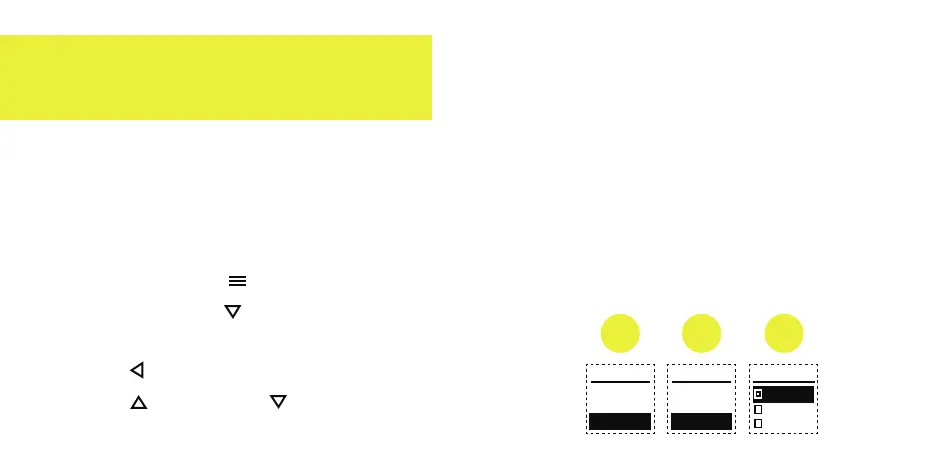
1. Press the Menu button and then
press the Down button to highlight
"SETTINGS", and then press the
Select button located in between
the Up and Down arrow buttons.
2. Highlight "LANGUAGE" using the
arrow buttons and then select it.
3. Highlight the language of your
choice using the arrow buttons
and then select it.
MENU
ALARM
BATTERY
SETTINGS
SETTINGS LANGUAGE
ENGLISH
DEUTSCH
FRANCAIS
TIME
UNITS
LANGUAGE
1 2 3


 To Next Page