14
CHANGING THE TIME
When the ULT-G
®
is booted up for
the first time, the date will be
displayed as Monday, January 1st.
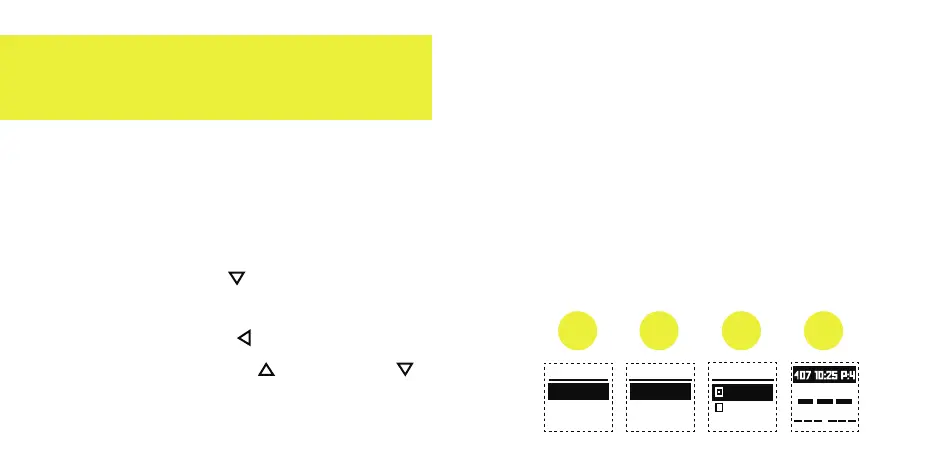
To change the time and date:
1. Press the Down button to
highlight "SETTINGS", and then
press the Select button located
in between the Up and Down
arrow buttons.
2. Highlight "TIME" using the arrow
buttons and then select it.
3. Using the arrow buttons to select
"DAYLIGHT" for Daylight savings
time or "FORMAT" to adjust from
standard/civilian to military time.
4. GPS time will show when golfing.
SETTINGS TIME
TIME
UNITS
LANGUAGE
1 2 3
DAYLIGHT
FORMAT
FORMAT
12 HOUR
24 HOUR
4
15


 To Next Page