1312
LET’S GET STARTED TURN THE ULT-G ON/OFF
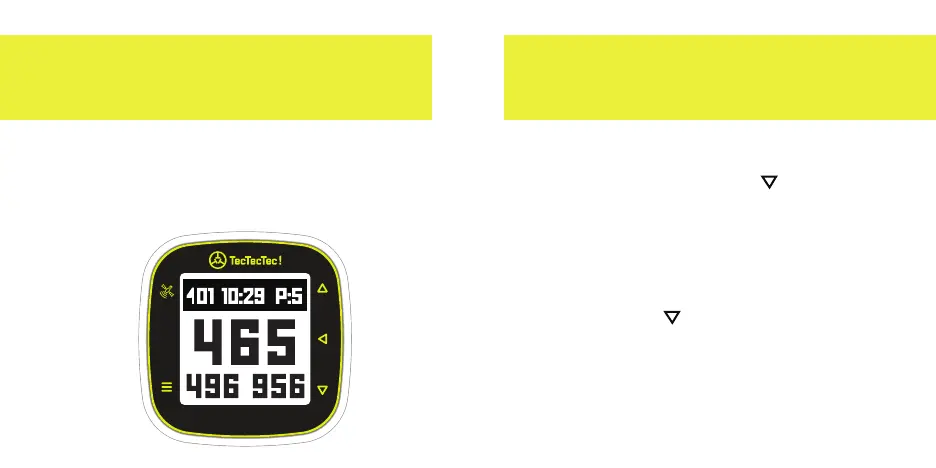
Labeled in yellow, the buttons to
operate the device are located at the
left and right sides of the screen.
Satellite
Menu
Up
Down
Select
TURN ON
1. Hold the arrow Down button for
2 seconds to power the ULT-G
®
on.
TURN OFF
2. To turn the ULT-G
®
o hold the
arrow Down button for
5 seconds until you see the
message "POWER OFF".


 To Next Page