www.tedee.com23
Low battery Red 3 ashes x 3 times
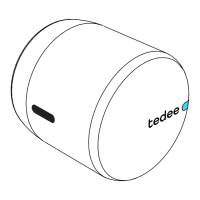
LED ashes when battery drops below 15%. The
ashing appears after every locking / unlocking
operation. Your Tedee GO requires battery
replacement/charging.
Delayed locking Blue Flashing
LED ashes fast after pressing and holding the
button for at least 1 second (and no longer than 5
seconds). Available only if delayed locking option is
ON in the Tedee app.
Calibration Blue Flashing LED ashes blue during the calibration phase.
Error Red
Flashing
(fast / slow)
Please contact Tedee support team.


 To Next Page