www.tedee.com 22
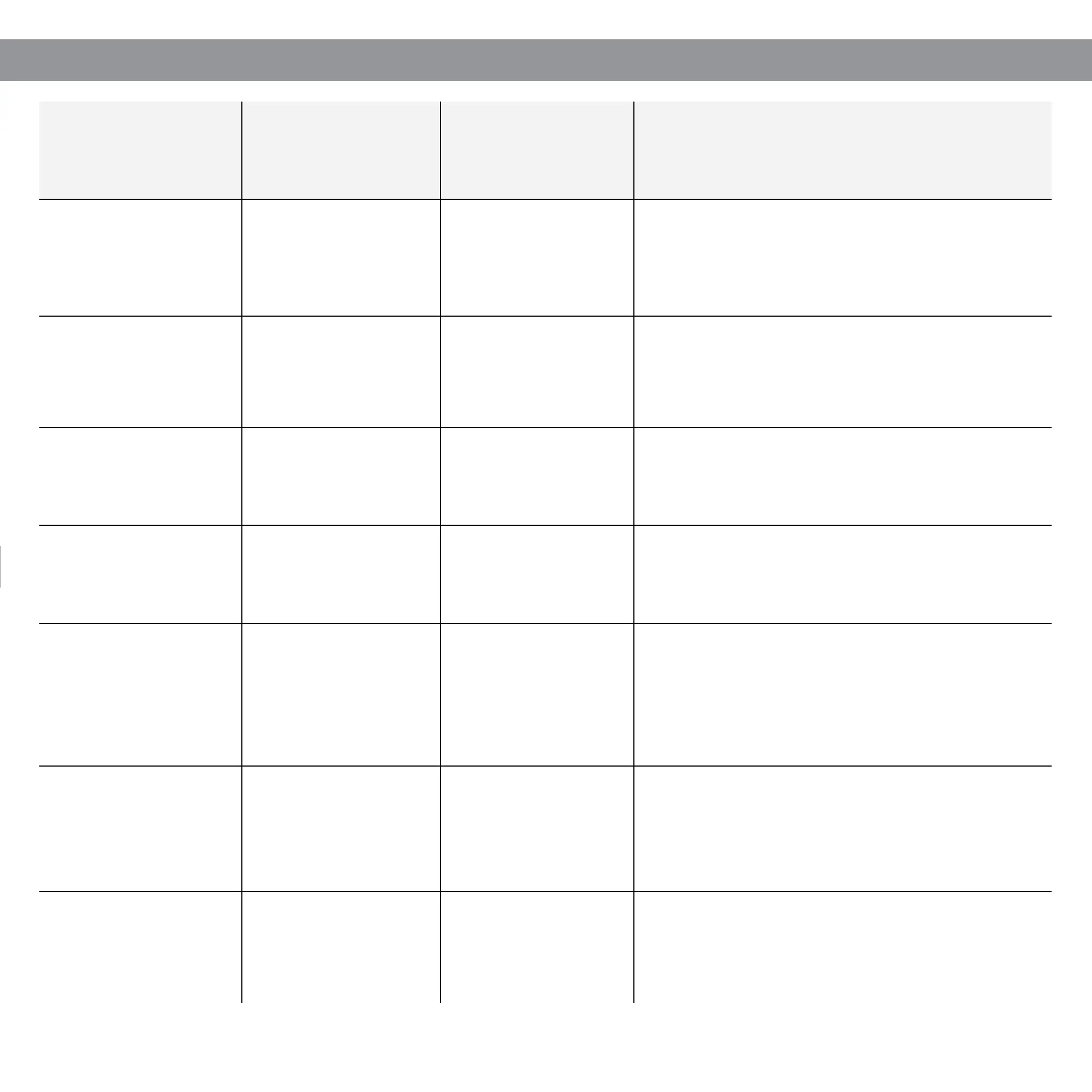
LED SIGNALS
Meaning
(action)
LED
(color)
Signal
(type)
Additional information
Initialization Green
Flashing
(fast)
LED ashes after turning on the device. It conrms
initialization process and system check-up
completion.
Ready
Red - Blue - Green -
White
Flashing
(sequential)
LED ashes after successfull initialization of the
device. It conrms that your Tedee lock is ready to
use.
Unlocking Green Constant
Green LED is turned ON while unlocking (OFF if the
battery level is low).
Locking Red Constant
Red LED is turned ON during the locking phase
(OFF if the battery level is low).
Jammed Red 5 ashes
LED ashes red when Tedee lock is jammed and
needs attention. Please check if your device is
calibrated correctly - if the problem persists, contact
Tedee support team.
Device shutdown Red Pulsating light
LED ashes after 5 seconds of pressing the button
and keeps pulsating until the device is shut down. It
conrms the shutdown process.
Factory reset Red Pulsating light
The LED blinks with tree quick red ashes when the
button is released which conrms that the factory
settings have been restored.


 To Next Page