22
Liquid Specific Gravity (Density)
Default = 1.00
While in the Liquid Specific Gravity (Density) Programming Step, the D
symbol, will be flashing at the top of the console display.
The default value of “1.00” corresponds with the specific gravity of water and is
correct for most pesticide applications. Occasionally some spray solutions, such
as fertilizer, have different densities. If you are using such a material, a new value
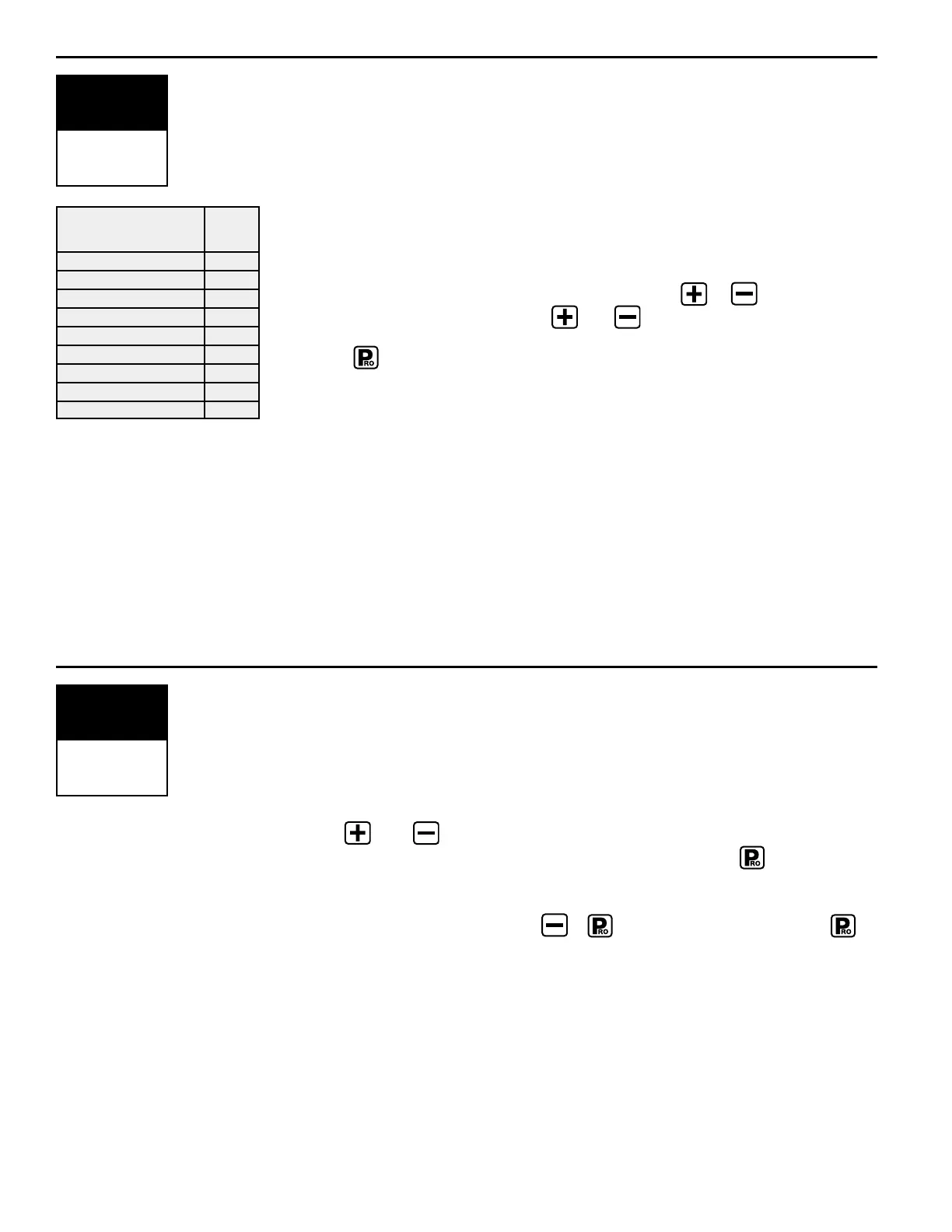
should replace the default value. The chart to the left can help you determine the
specific gravity of other solutions.
To change the default value to your new value, use the or keys to change
the value in the display. Pressing the and keys simultaneously will clear
the value to zero. To accept the value and advance to the next programming step,
press the key.
If the solution that you are using can not be found on the chart at the left, the
Specific Gravity can be calculated as follows:
Weight of Solution
Specific Gravity = ———————————
Weight of Water
NOTE:To activate this specific gravity number, while in the Application
Setup Mode, press the Auto/Man key so the “D” is displayed at the top of
the screen.When the “D” is displayed, all calculations performed will use
the specific gravity programmed in this step.To remove the “D” press the
Auto/Man key. When the “D” is not displayed all calculations performed
will use the specific gravity of water (1.00) regardless of whether another
density is programmed into this step or not.
Communications
Default = no cON (no communications)
This step lets you select what type of communication you will be using.The
choices available are the default of “
no cON” (no communications), “prt” (Printing
Capability), “
gps” (Global Positioning Communication Capability), or “lOg”
(Downloading to a PC on the go capability).
Use the and keys to select the type of communication you will be using.
After selecting the communication you will be using, press the key to
advance to the next step.
NOTE: If a communications feature is selected, you must exit the setup
mode, power down the console ( + ) then restart the console ( ).
This activates the selected communication feature.
WARNING:The 844 must be powered on before connecting to a
communication device (i.e. printer, computer, GPS).The 844 will not
completely power on if it is first connected to a communication device.
D
PROGRAM
SPECIFIC
GRAVITY
7.0 lbs. .84
8.0 lbs. .96
8.34 lbs.–Water 1.00
10.0 lbs. 1.20
10.65 lbs.–28%N 1.28
10.85 lbs.–30%N 1.30
11.0 lbs. 1.32
12.0 lbs. 1.44
14.0 lbs. 1.68
Weight of
Solution Per Gallon
Specific
Gravity
Note: Water weighs 8.34
lb/gal or 1 Kg/L
no cON
COMMUNI-
CATIONS



 To Next Page