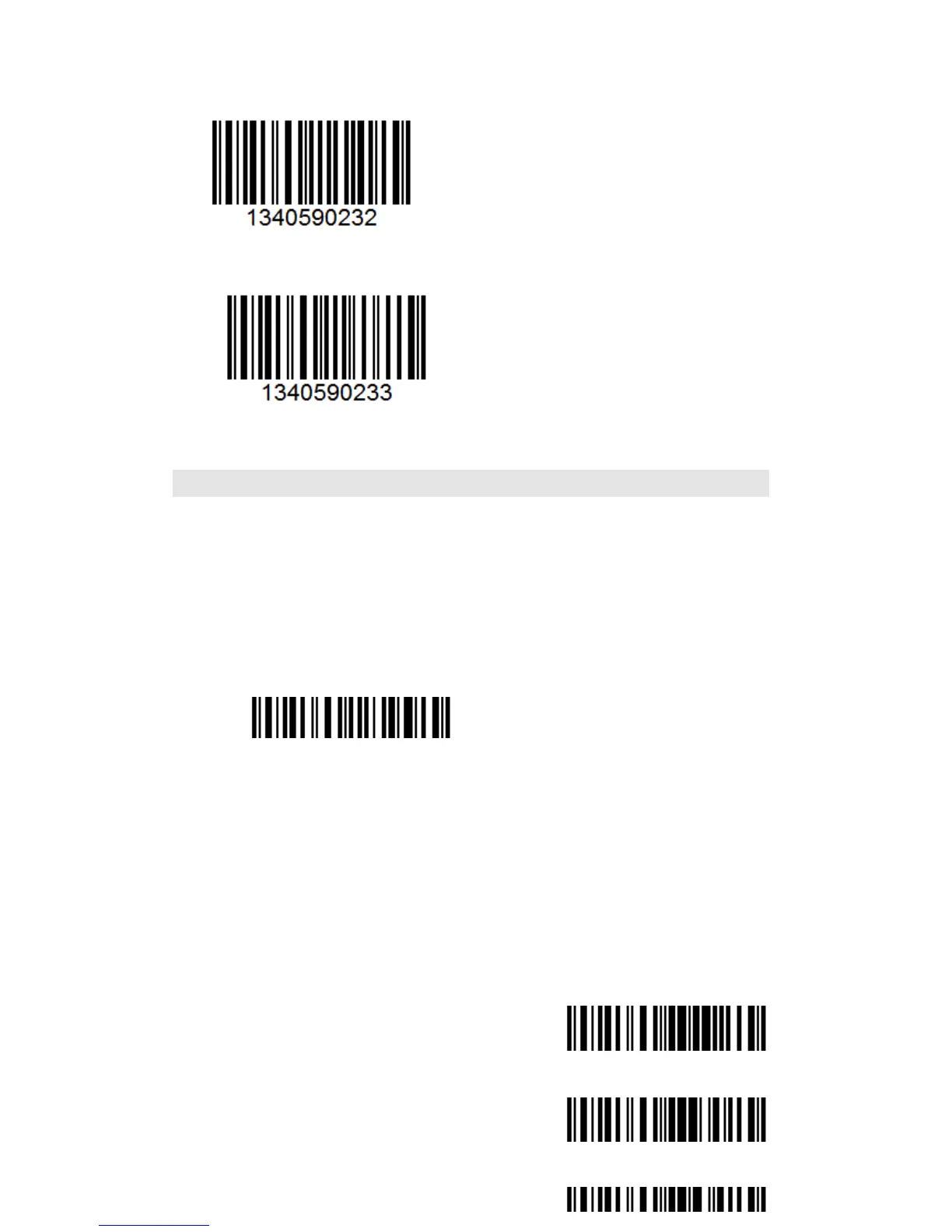
The Alpha-characters in upper case will be entered as upper case, the Alpha-characters in
lower case will be entered as lower case, and numbers are unchanged.
All Alpha-characters will be entered as upper case, numbers are unchanged.
All Alpha-characters will be entered as lower case, numbers are unchanged
Manual Mode
By default, the scan mode is set to Manual Mode. If the user keeps press the Scan Key,
the TMCT-10 Scanner will emit a red light line. This indicates the scanner could scan; the
scanning will not stop until the scanner under the following situation.
* Read a barcode successfully;
* Release the Scan Key.



 To Next Page