20
User’s Guide
NOTE
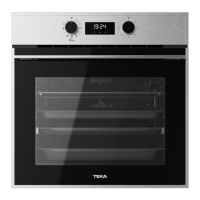
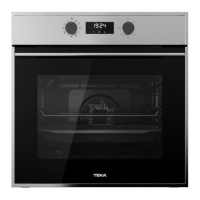
The clock light has a night mode so the display
light will dim between 00:00 and 6:00 hours.
WARNING
In the event of a power failure, your elec-
tronic clock/timer settings will be erased.
If this happens, turn the function and tem-
perature dials to the
position.
The indication 12:00 will show, and you will
then be able to set the time as described
above.
TIMER CONTROL
Oven use
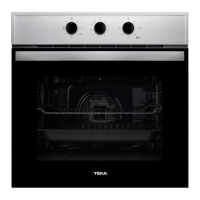
MODELS WITHOUT A TIMER
1. Select a temperature and a cooking function.
2. When your food has finished cooking, set
the controls to the position
to turn off the
oven.
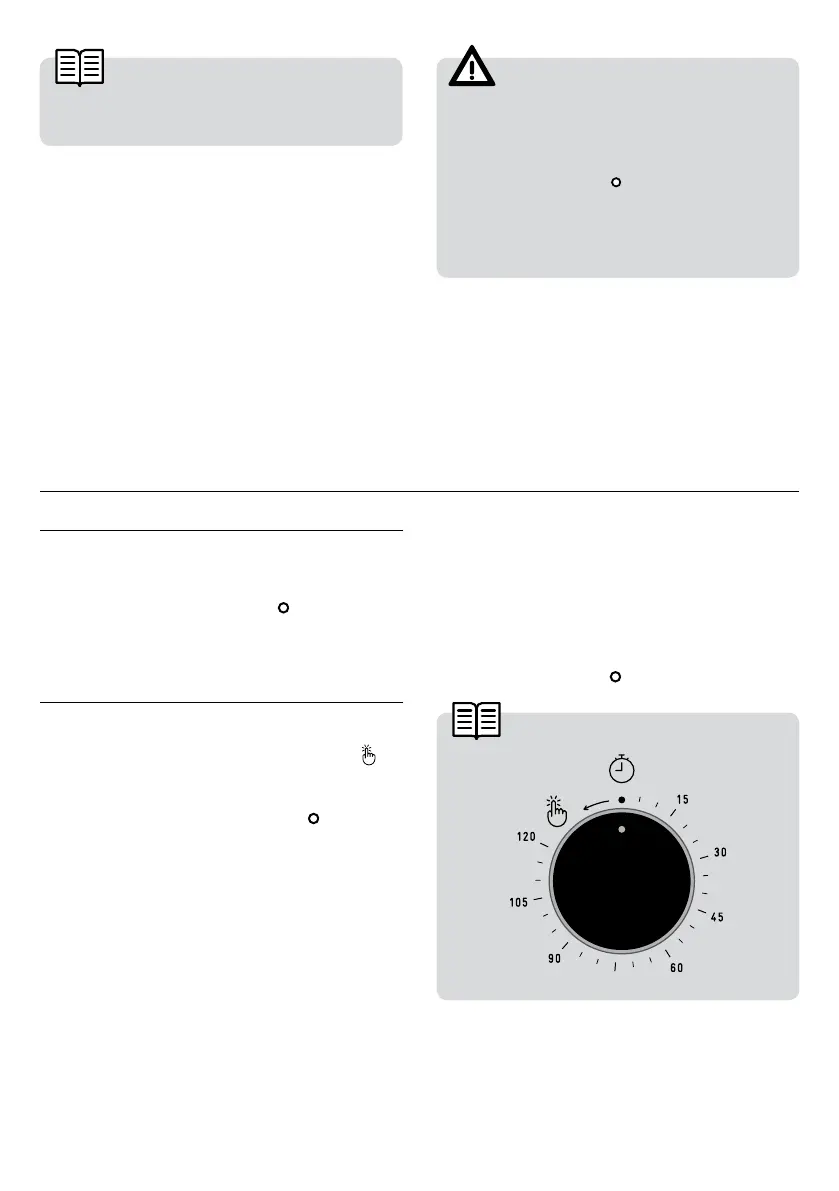
MODELS WITH TIMER
Manual Operation
1. Turn the timer dial to the left to setting
.
2. Select a temperature and a cooking function.
3. Set the controls to the position
to turn off
the oven.
Oven Timer Operation
This function allows the cooking time to be
pre-set. To do so:
1. Select a cooking function and temperature.
2. Turn the timer knob clockwise to the “120”
minutes setting and then turn it in the oppo-
site direction to select the cooking time.
3. When the time is up, the alarm will go off and
the oven will stop heating.
4. Set the controls to
to turn off the oven.


 To Next Page