Shenzhen Dawu Times Technology Co., Ltd
14/103 www.wiseupshop.com
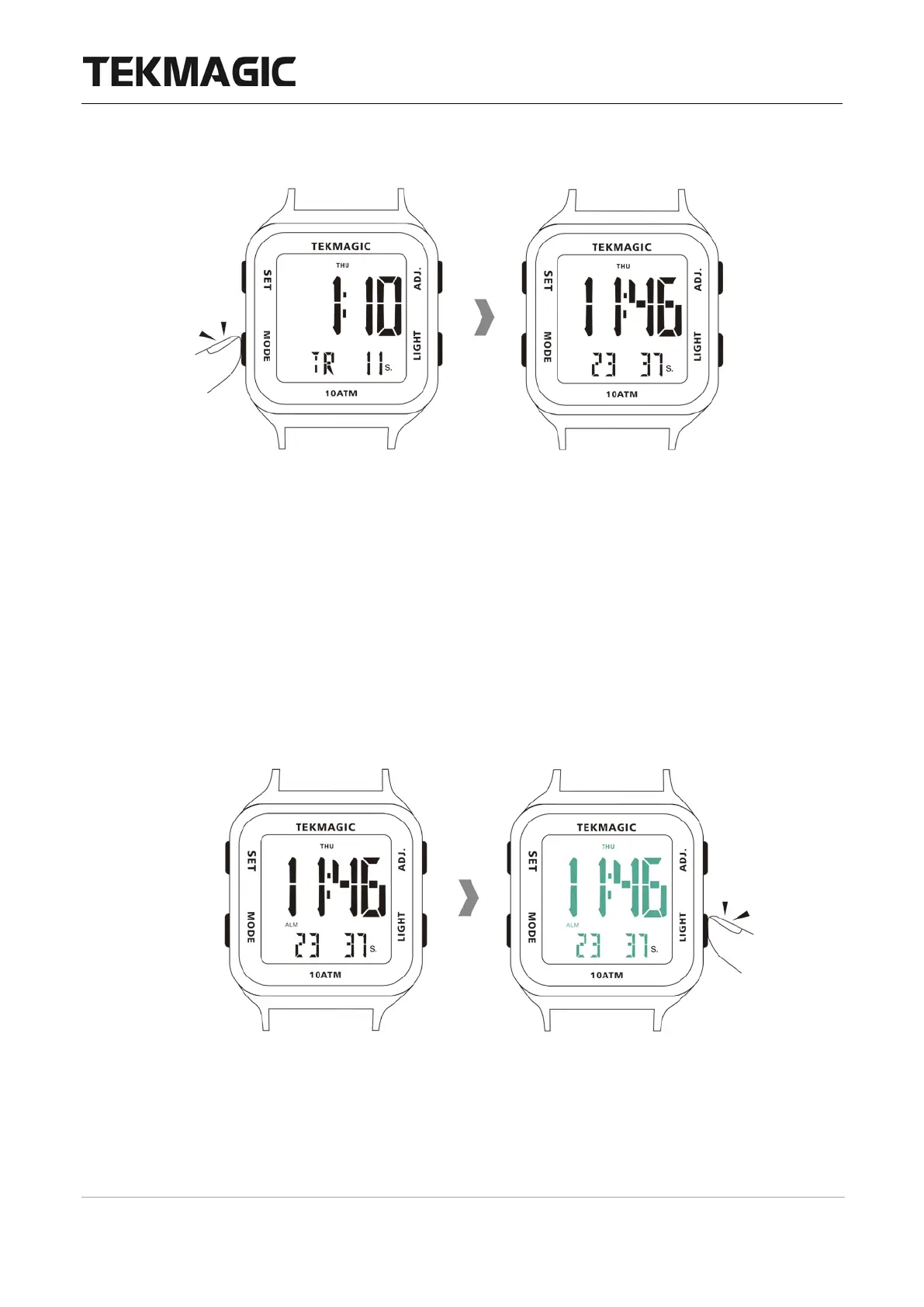
6.8 Press the MODE button once to exit the timer countdown.
<Note>: When the countdown is ended, the watch will sound for 10 seconds and then return
to the start.
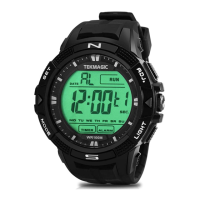
VII. Back Light
Press the LIGHT button to turn on the electro luminescent backlight. The backlight will be
turned off automatically in about 3 seconds.
VIII. Time Setup for the Other Time Zone
8.1 In the local time display mode, press the MODE button for 4 times to enter into the other


 To Next Page