© 2013 654_D - 06/13 24 of 44
Item Field Range Access Description Set to
Range: AUTO,
01 to 24,
b:01 to b:24,
1:01 to 1:24,
2:01 to 2:24,
3:01 to 3:24
Installer
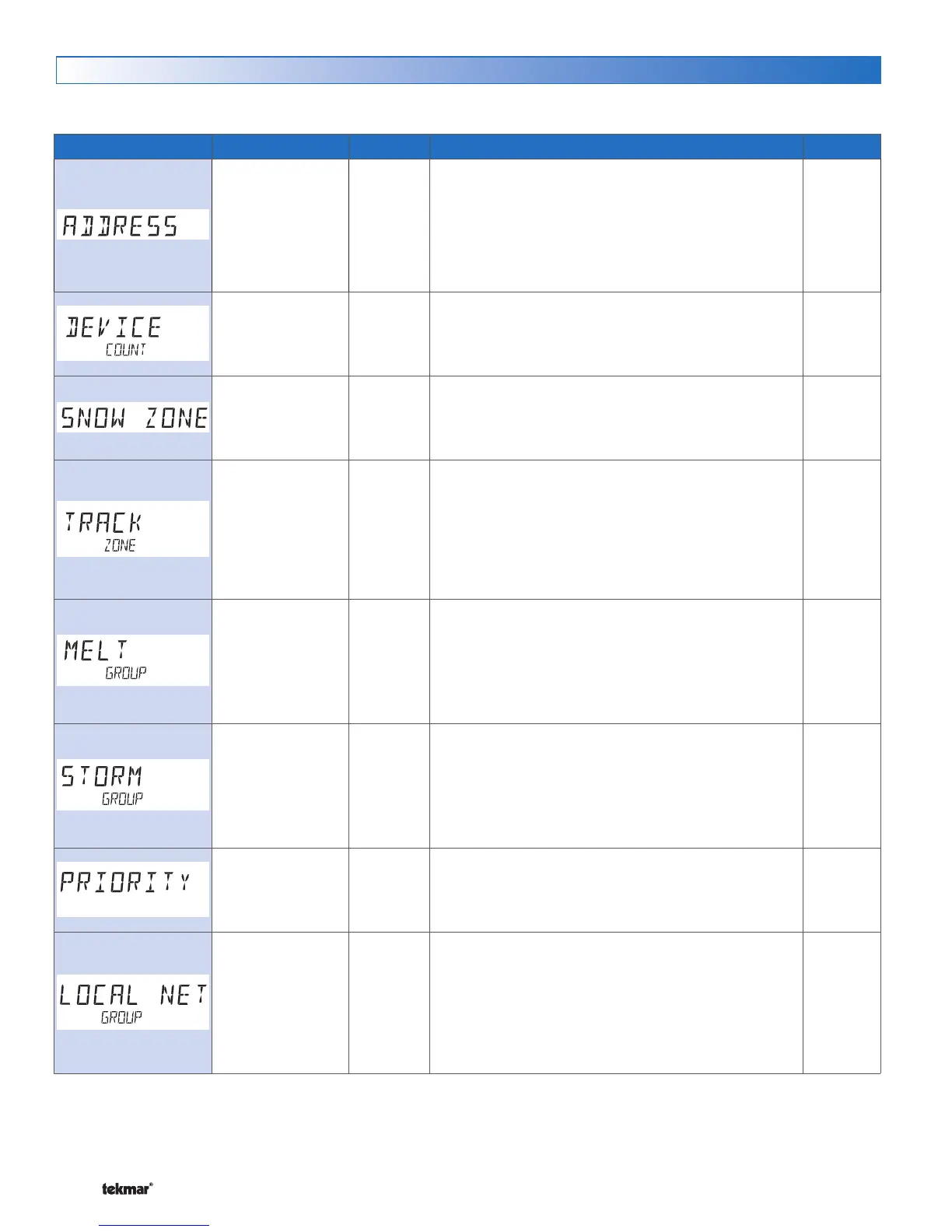
ADDRESS
The tekmarNet
®
address of this control. To manually set
the address, use the up or down arrow buttons.
1 to 24 Installer
DEVICE COUNT
Provides a count of all the tekmarNet
®
thermostats,
setpoint controls and snow melting controls on the
tekmarNet
®
system.
1 to 12
Default = 1
Installer
SNOW ZONE
Select the Snow Zone that this control operates. Snow
Zone 1 has the highest priority while Snow Zone 12 has
the lowest priority.
OFF or ON
Default = OFF
Installer
TRACK ZONE
Select to track and record the running hours of Snow Zone
1 and repeats this run time on this control. This allows
snow zones without a snow / ice sensor to automatically
start.
Conditions: Snow Zone must be set 2 through 12 (cannot
be Snow Zone 1) and Application Mode is set to PWM,
Boil, Mix or Elec.
1 to 12
Default = 1
Installer
MELT GROUP
A User Switch may be used to manually start melting
the snow zone. Set the Melt Group number to the
corresponding Setpoint Enable number on the User
Switch.
Conditions: Application Mode is set to PWM, Boil, Mix
or Elec.
1 to 12
Default = 12
Installer
STORM GROUP
A User Switch may be used to manually start storm
operation of the snow zone. Set the Melt Group number
to the corresponding Setpoint Enable number on the
User Switch.
Conditions: Application Mode is set to PWM, Boil, Mix
or Elec.
OFF, COND,
FULL
Default = OFF
Installer
PRIORITY
Select the priority operation of the snow melting system.
Conditions: Application Mode is PWM, Mix or Elec.
OFF or ON
Default = OFF
Installer
LOCAL NETWORK GROUP
Select if scenes and time clock are shared when
connected to a tekmarNet
®
system.
OFF = Send and receive messages.
ON = Receive messages only.
Conditions: Application Mode is set to PWM, Boil, Mix
or Elec.
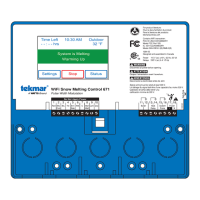
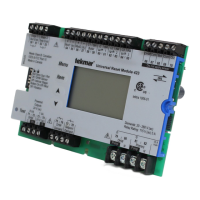
tekmarNet
®
Menu
The tekmarNet
®
menu includes settings of how the snow melting control communicates and operates together with other controls.
The tekmarNet
®
menu is only available when communication is detected.


 To Next Page