To adjust the flow rate press the Mode button and either the or the arrow to increase or lower the value of the working
frequency.
NOTE: The flow rate is adjustable both with the pump at a standstill, when the Stop icon is illuminated, and during dosing.
CHECKING THE LEVEL OF THE LIQUID TO BE DOSED
To check the level of the liquid to be dosed, it is possible to use a model LEV-4 level probe (item n° 9900121051).
There are two modes of operation:
a) Connection of the level probe to connectors nos. 8 and 9 (see CONNECTION DIAGRAM).
When the liquid reaches the required level, the pump will stop. On the display the Level icon will light up and the Alarm
LED will light up.
b) Connection of the level probe to connectors nos. 8 and 10 (see CONNECTION DIAGRAM).
When the liquid reaches the required level, the pump will NOT BE STOPPED. On the display the Level icon will light
up and the Alarm LED will start to flash.
SE
LECTING THE MODE
The Tekna DPG pump has been designed to operate either in the
CONSTANT MODE or in the PROPORTIONAL MODE.
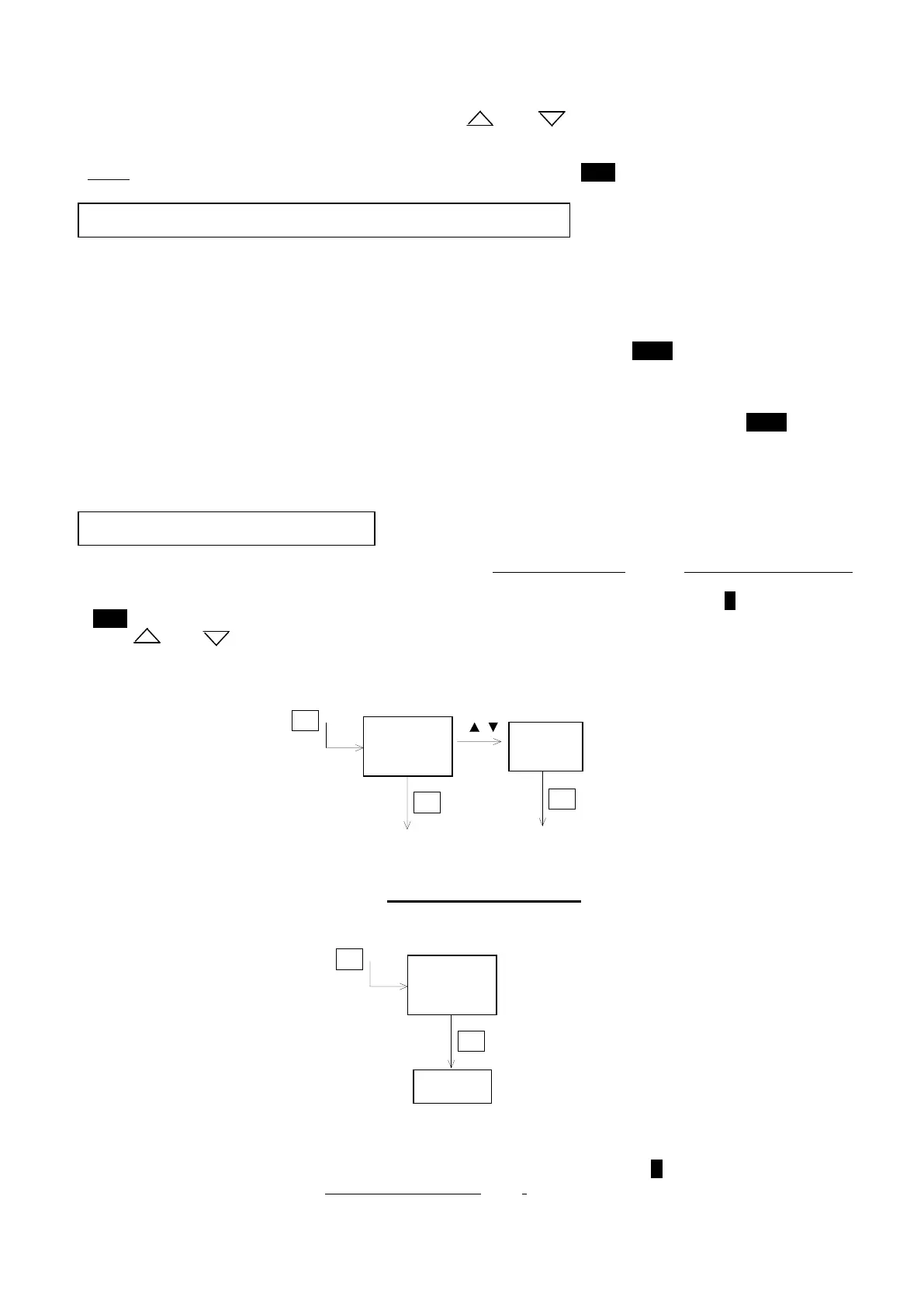
To select the operating mode press the Prog key. The letter C will appear on the display, while the C icon will start to flash
(Stop icon illuminated).
Use the or arrows to select the required mode, P (proportional mode) or C (constant mode).
Press the Enter button to confirm the choice made.
CONSTANT MODE
Once the CONSTANT MODE has been chosen (see above) and has been confirmed by pressing the Enter button, the word
Prog will appear on the display for about one second. After this the value of the flow rate that has been set will be shown (for
adjustment and the type of displaying see the section on Adjustment of the flow rate). The C icon will remain illuminated.
In this mode the pump will carry out
continuous and constant dosing at the flow rate that has been set (see Adjustment of the
flow rate).


 To Next Page
 Loading...