20 Original user manual
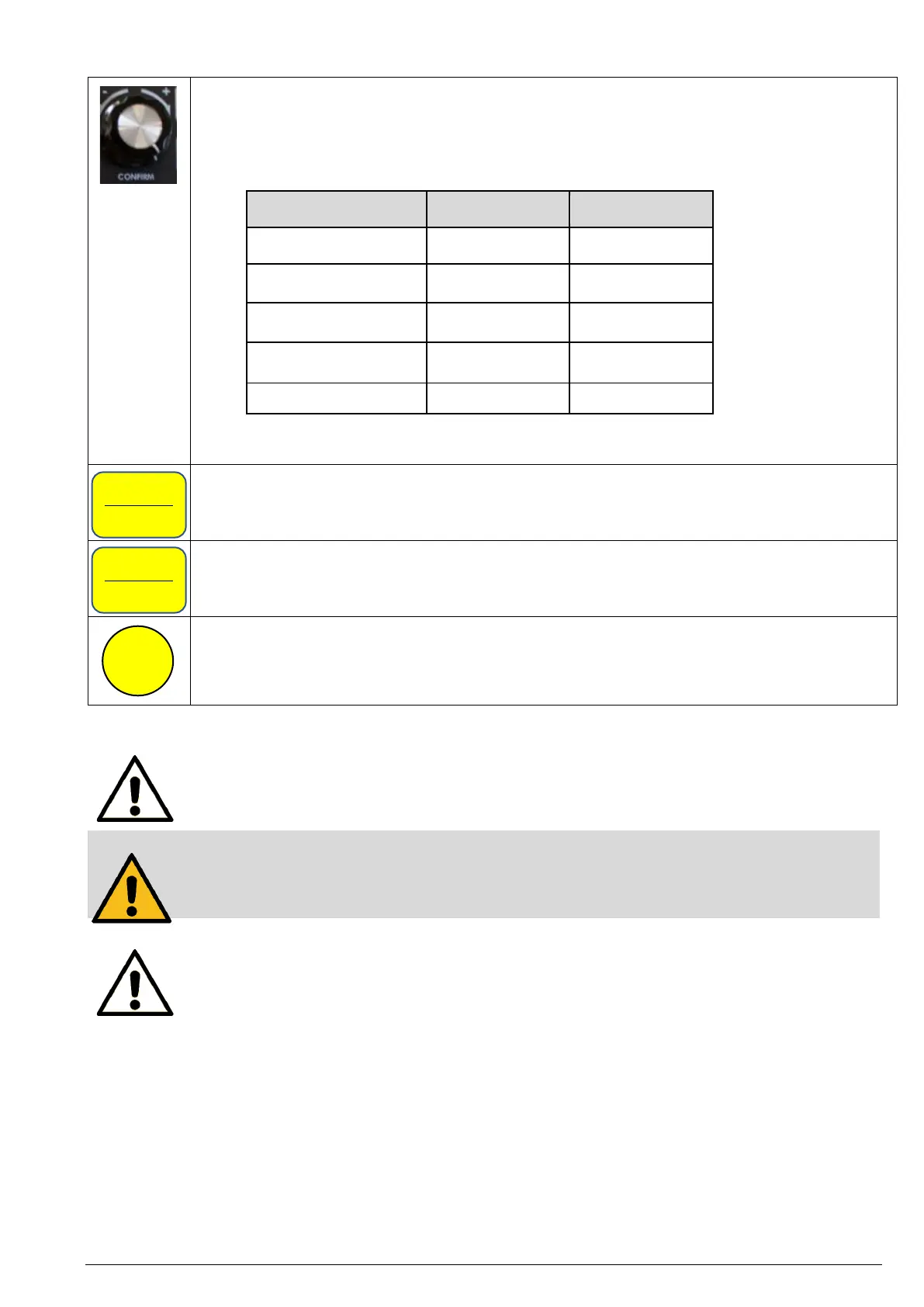
Use the dial to change the speed when the machine is running or stopped.
Turn the dial in the clockwise direction to increase the speed. Turn the dial in the anti-clockwise
direction to decrease the speed. By simply turning the dial you will make a coarse adjustment. Press
and turn the dial simultaneously to make a fine adjustment. The speed changes in increments. The
increments are shown in the following table:
Also use the dial to confirm a selection (press briefly) and to scroll through the menus (turn
clockwise: scroll down in menu, turn counterclockwise: scroll up in menu).
Press the button <ZERO / Confirm> to set the current drill height as zero point or to confirm
selections in menus or on the screen.
Press the button <MENU / Cancel> to call up the user interface where you are able to view and
modify settings of the pillar drill. For further information, see chapter “User interface” (page 18).
Use the buttons <F1> to <F4>, to apply one of the four predefined favourite speeds. You can also
assign other functions to these buttons via the menu to be able to make frequently used settings
more quickly. For this, go to menu item <Edit F Shortcuts> and select the desired function from the
list.
Safety system:
If the power supply is interrupted, the computer will restart when the power is restored, but the
machine will not start until the <ON> button is pressed.
Attention!
Never press several buttons at the same time as certain combinations open diagnostic and service
functions. Some of these disable control and protection functions. If an unfamiliar screen is
displayed, switch off the computer, wait one minute and then restart the computer.
Note:
If the machine has not been used for some time (more than a month), connect the pillar drill to the
power supply 30 to 60 minutes before the intended use.


 To Next Page