24 Original user manual
2. <Chip Breaker>:
This mode uses the load sensor to determine when tapping has been started and when a chip breaking
cycle has to be entered. After a fixed amount of time, the machine changes the direction of rotation in order
to break the chip for a fixed amount of time. After this amount of time, the machine changes the direction of
rotation again to continue the cutting procedure. This procedure repeats until the pillar drill recognises that
the tapping is complete OR until the user presses the <ON> button.
Note:
This mode is recommended for M8 (5/16”) taps and above. Smaller sized taps may
break at high speeds. Be careful when using the tapping modes.
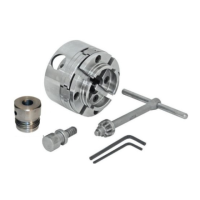
<Pwr Spindle Hold>
When this function is activated, the drive spindle is held in position. This function allows easy tool-free mounting or
changing of a quick-change chuck.
With the buttons <F1> through to <F4> it is possible to change a large variety of settings while the motor is running
or idle. To define alternative functions, select menu item <Edit F Shortcuts>. The current functions for each button
are shown here. Select one of the function buttons to open up a list of the settings available for this button. The
selected setting will be stored permanently until a factory reset is performed.
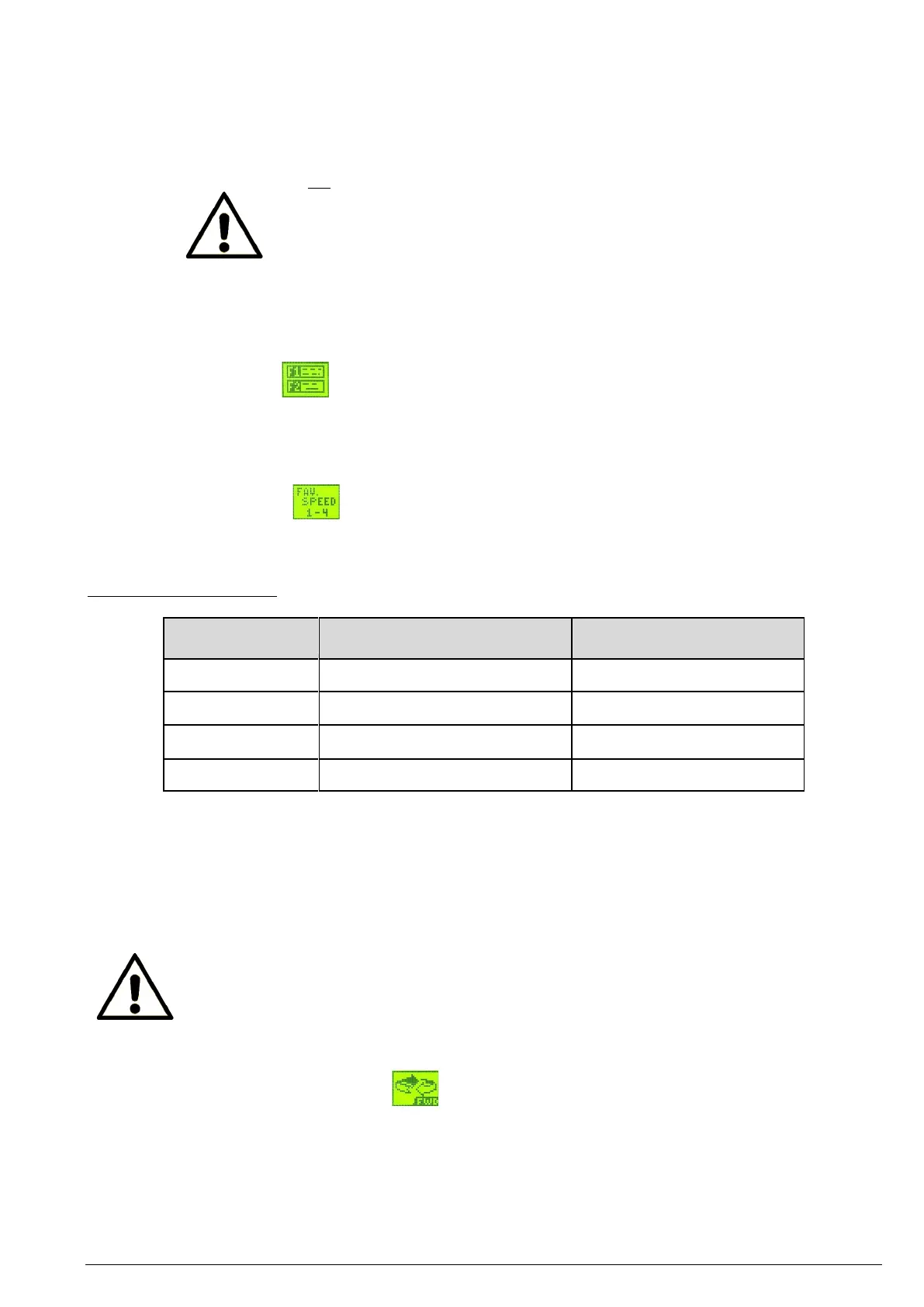
The preferred speeds allow you to quickly switch between a set of predefined or user defined speeds. In order to
set the preferred speeds, press the <F1> to <F4> buttons.
The predefined speeds are:
To modify the predefined values, proceed as follows:
1. Select menu item <Preferred speeds> in the menu.
2. Select the favourite speed to modify.
3. Change the speed using the <F1> / <F2> buttons or the dial.
4. Press the <ZERO / Confirm> button to confirm your selection.
5. Press the <ZERO / Confirm> button again to save the set value permanently.
Note:
• If you confirm the new favourite speed, it will be stored permanently in the memory of the
machine until a factory reset is performed.
• Changing the favourite speed #2D also changes the default speed of the machine until a factory
reset of the machine is carried out or it is reset to the original value.
<Direction: FORWARD/REVERSE>
This function toggles the drill rotation direction between forward and reverse. The direction can only be changed
when the machine is stopped.


 To Next Page
 Loading...