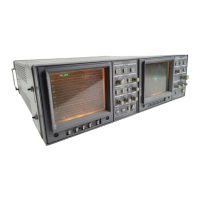
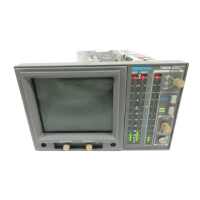
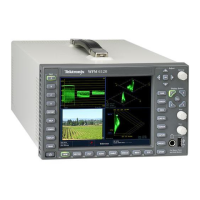
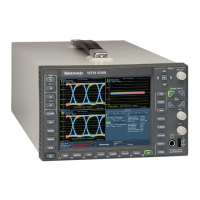
At A Glance
1740A/1750A Series Waveform/Vector Monitor User Manual
2-5
POSITION
H VERT POS allows the signal display to be moved
vertically. Offsets for channels A2/A3 and B2/B3
are enabled through the
CONFIGURE menu.
DISPLAY
H WAVEFORM provides voltage vs. time display of the
video signal.
H
VECTOR presents an XY plot of demodulated chromi-
nance phase and amplitude.
H
AUDIO amplitude and phase is monitored using a
calibrated
X/Y Lissajous display.
H
SCH provides a vector display of the subcarrier-to-
horizontal-sync phase relationship.
H
PICTURE allows the operator to verify the signal
source.
H
TIME CODE provides monitoring of longitudinal time
code in a frame-rate display.
H
MULTIPLE allows simultaneous selection of multiple
DISPLAY modes.
SWEEP
Sweep buttons are used to select the waveform sweep rate.
H
LINE/FIELD sequences through four sweep rate
selections: one line, two line, one field, and two
field.
H
MAG turns on the sweep magnifier. See page 3-4.
DC REST
H RESTORE turns DC Restorer on or off. The DC
Restorer speed and clamp point are selected through
the
CONFIGURE menu, shown on page 3-18.


 To Next Page
 Loading...