17
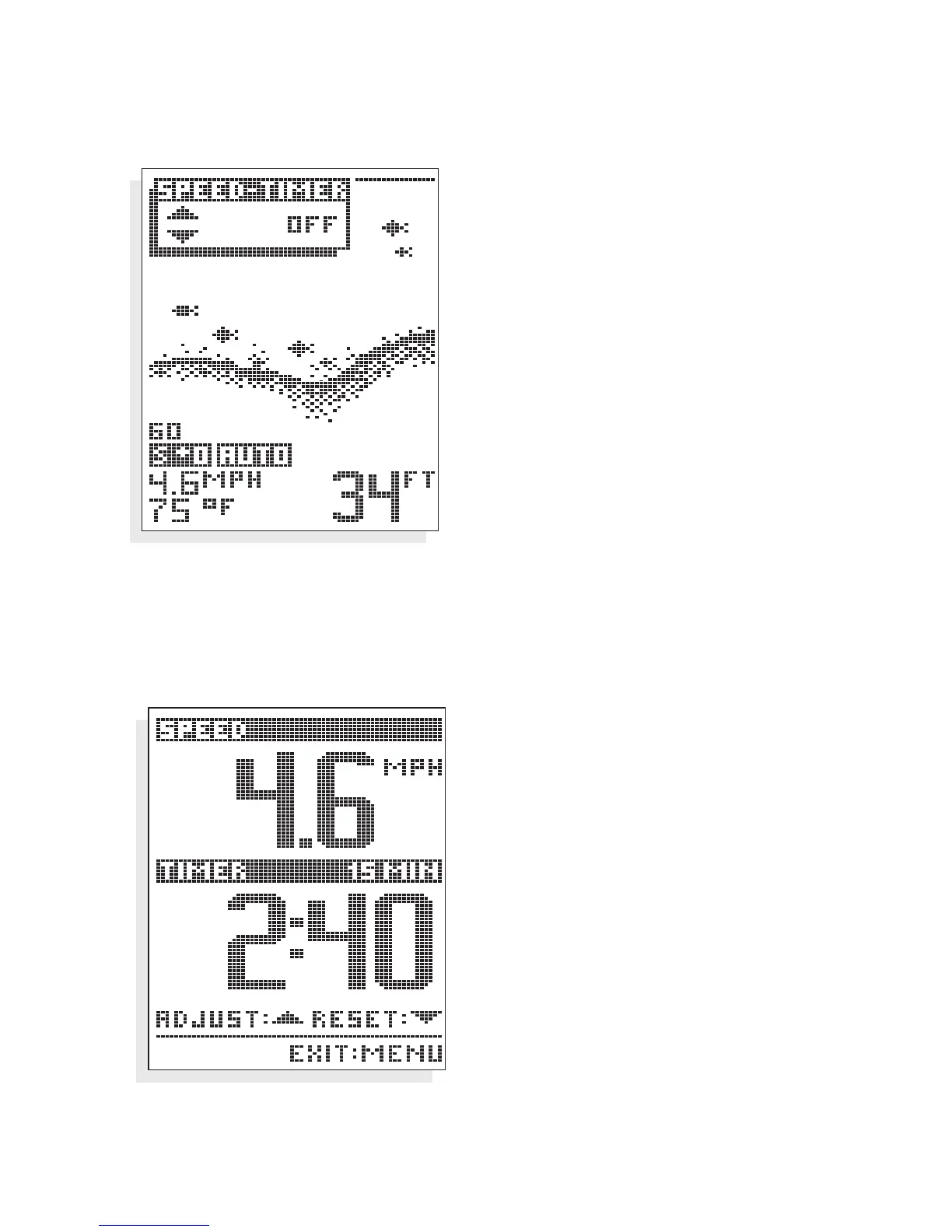
SPEED TIMER. The Speed-Timer menu
controls the display of a full screen
digital readout for boat speed and a
countdown timer.
To display the Speed-Timer screen,
use the
UP or DOWN arrow to show
the full screen display. Current boat
speed is displayed at top, and the
countdown timer at the bottom.
To set the countdown timer, use the
UP arrow to select one of the four
countdown presets: 0, 5, 10, or 15
minutes. The current countdown
timer setting is displayed above the
digital timer readout. Once you select
a setting other than zero minutes, the
countdown timer is activated and will
alarm when the timer reaches zero.
After alarming the timer will begin to
count up. Restart the timer by using
the
DOWN arrow.
At any time you can return to
normal sonar operation by pressing
the MENU button.
Note: The optional Speed &
Temperature accessory
must be connected for the
Speed-Timer menu to be
available.
USING THE 100ID SERIES
MENU FUNCTIONS
Speed-Timer Screen


 To Next Page