5
USING THE 100ID SERIES
WHAT YOU SEE ON-SCREEN
WHAT YOU SEE ON-SCREEN
The first thing you may notice about the 100ID unit is the high-resolution
LCD display. The LCD display uses super-twist technology, for maximum
viewability and is ruggedized for tough shock and vibration endurance.
The display can operate at temperatures more extreme than you are likely
to encounter.
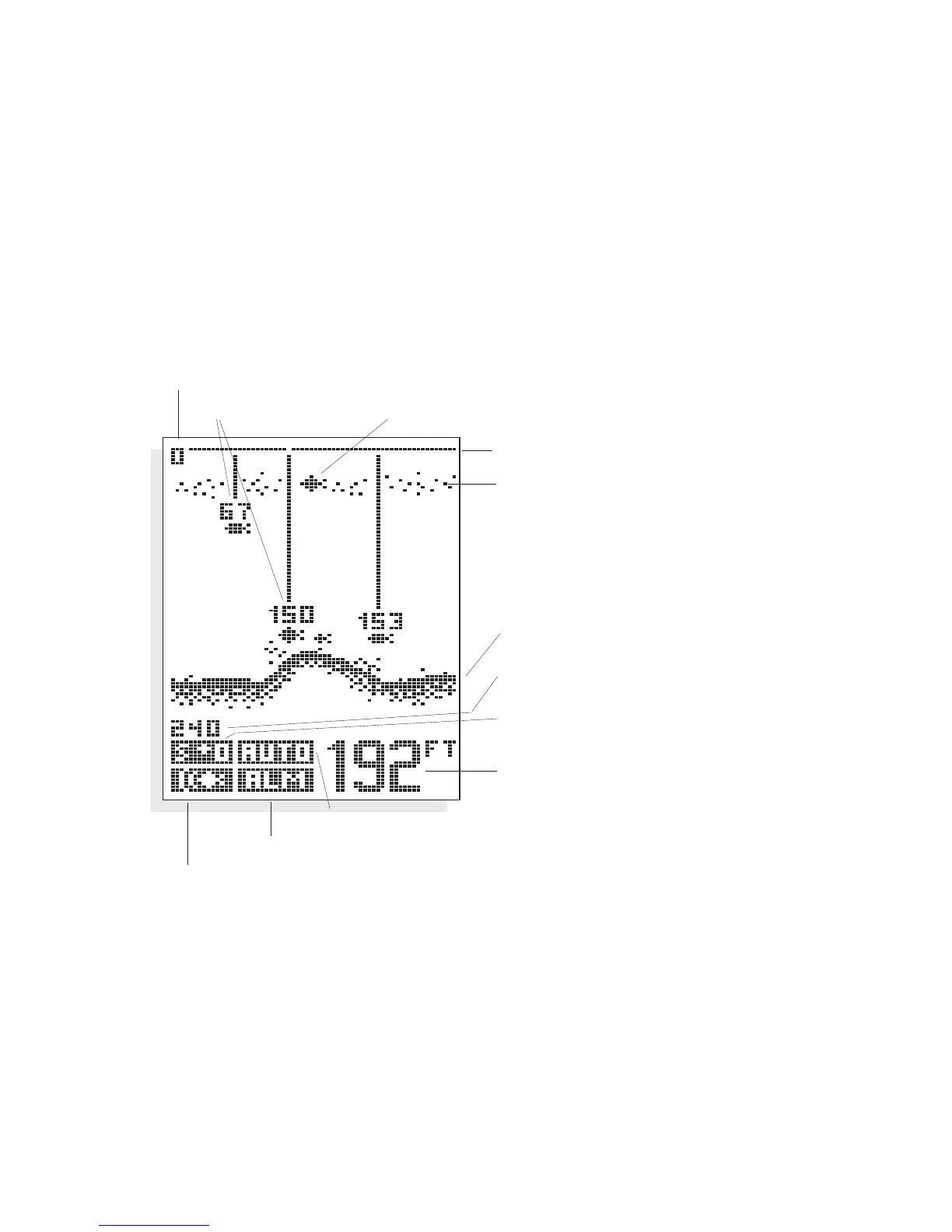
There are two basic screen layouts for the
100ID. Figure A shows the
default screen layout which does not include speed and temperature read-
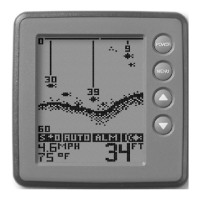
ings. If you have purchased the
Speed and Temperature accessory and it is
installed, the screen layout will be slightly different as shown in Figure B.
The number of vertical pixels (picture elements or dots) in a given depth
range determines the display resolution, or ability to differentiate targets
close to the bottom or other targets. The
100ID is capable of distinguish-
ing between targets only 6" apart, and show fish within 6" of the bottom.
Figure A
Zero Line
Thermocline
Bottom Terrain
Lower Range Limit
Sensitivity Setting
Depth
Range Control Setting
Bottom Alarm Indicator
Fish Alarm Indicator
Upper Range Limit
ID+ Fish Depth Fish Symbol


 To Next Page