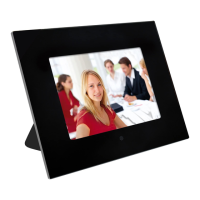
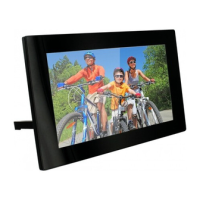
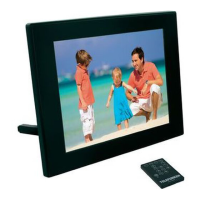
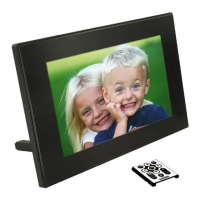
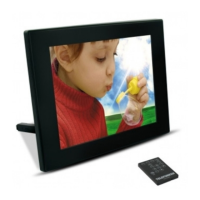
DIGITAL PHOTO FRAME INSTRUCTIONS
TELEFUNKEN DPF 15002
I. Learn about and install your frame ........................................................ 2
1. Box contents ...................................................................................................................... 2
2. Frame diagram ................................................................................................................... 2
3. Installation ........................................................................................................................... 3
II. Use your frame .......................................................................................... 3
1. Selecting a language ......................................................................................................... 3
2. Reading a memory card or a USB key .......................................................................... 3
3. Copying photos to the internal memory ........................................................................ 4
4. Deleting photos .................................................................................................................. 4
III. Selecting the type of files to play ........................................................... 5
1. Photos ................................................................................................................................. 5
2. Videos .................................................................................................................................. 5
3. Music ................................................................................................................................... 6
IV. Settings ...................................................................................................... 6
1. Photo settings .................................................................................................................... 6
2. Music settings .................................................................................................................... 7
3. Video settings ..................................................................................................................... 8
4. Calendar settings ............................................................................................................... 8
V. Other information ..................................................................................... 8
VI.
Safety instructions ........................................................................................ 9
VII.
Warranty ..................................................................................................... 9
VIII.
Specifications .................................................................................... 11


 To Next Page
 Loading...