29
Note: If no buttons are pressed within approximately 20
seconds, the clock returns automatically to the normal display
mode. The changes made are saved.
4.2 Adjusting brightness of display
When the appliance is in standby mode (clock time display
mode) ( Operation), press repeatedly the SNOOZE / SLEEP /
DIMMER (7) button to select different brightness levels of the
display. Choose between 2 preset brightness levels.
4.3 Setting the volume level
Set the volume (from
00
to
15
) when using the FM radio mode.
Button Description
(6)
higher volume
(5)
lower volume
Note: Press and hold (5) / (6) for fast movement.
5. ALARM
With this clock radio, 2 different alarms can be set.
5.1 Setting the alarm
Press the (1) button to turn the radio off to standby mode
(clock time display mode).
Press and hold the
(5) button for about 2 seconds. The set
alarm time will ash on the display (12).
Set the hours by pressing the (3) button.
Set the minutes by pressing the (4) button.
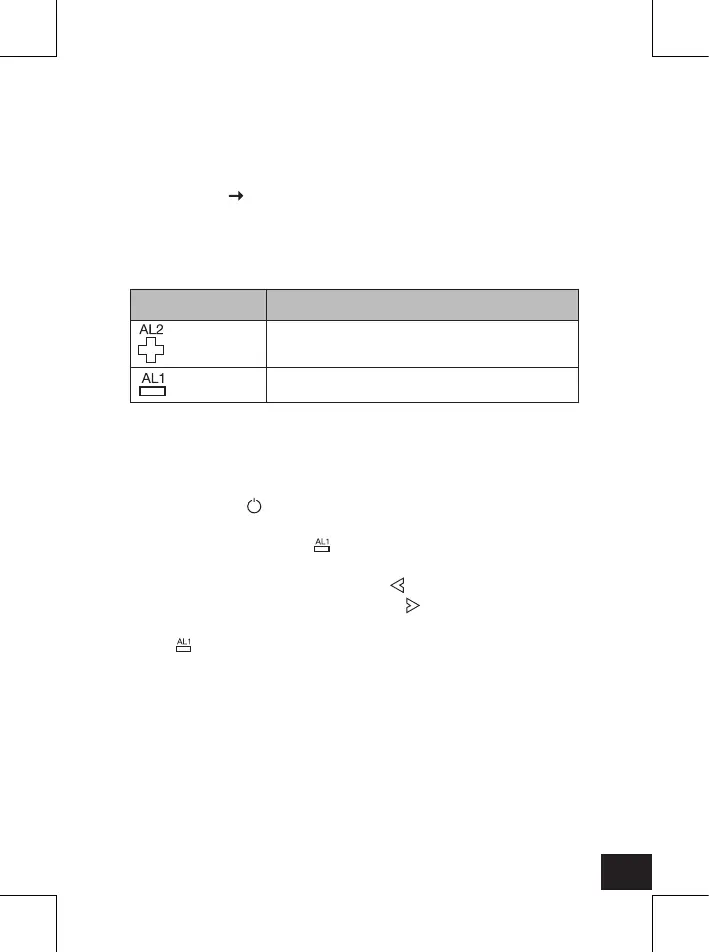
To toggle between Buzzer and Radio alarm mode, press the
(5) button until the desired option is lighted up on the LED
display (12).


 To Next Page