27
EN
3. BEFORE FIRST USE
3.5 Remote control – using tips
Aim the remote control directly at the appliance. The distance should be less than
6 metres and within 30°. Make sure there are no obstacles between the remote control
and the unit.
The remote control may be less effective if:
there are obstacles between the remote control and the appliance.
other remote controls are operated at the same time.
battery level is low.
4. BASIC FUNCTIONS
4.1 Switching the appliance on and to the standby mode
Press
(21 or 27) to switch on the appliance.
Press (21 or 27) again to switch the appliance to standby mode. The STANDBY mode
indicator (26) lights up red.
To completely switch off the appliance, disconnect the power plug (44) from the
electrical outlet or remove the batteries.
Note: If no function of the appliance is used for 15 minutes, the unit automatically
switches into the standby mode.
4.2 Setting volume level
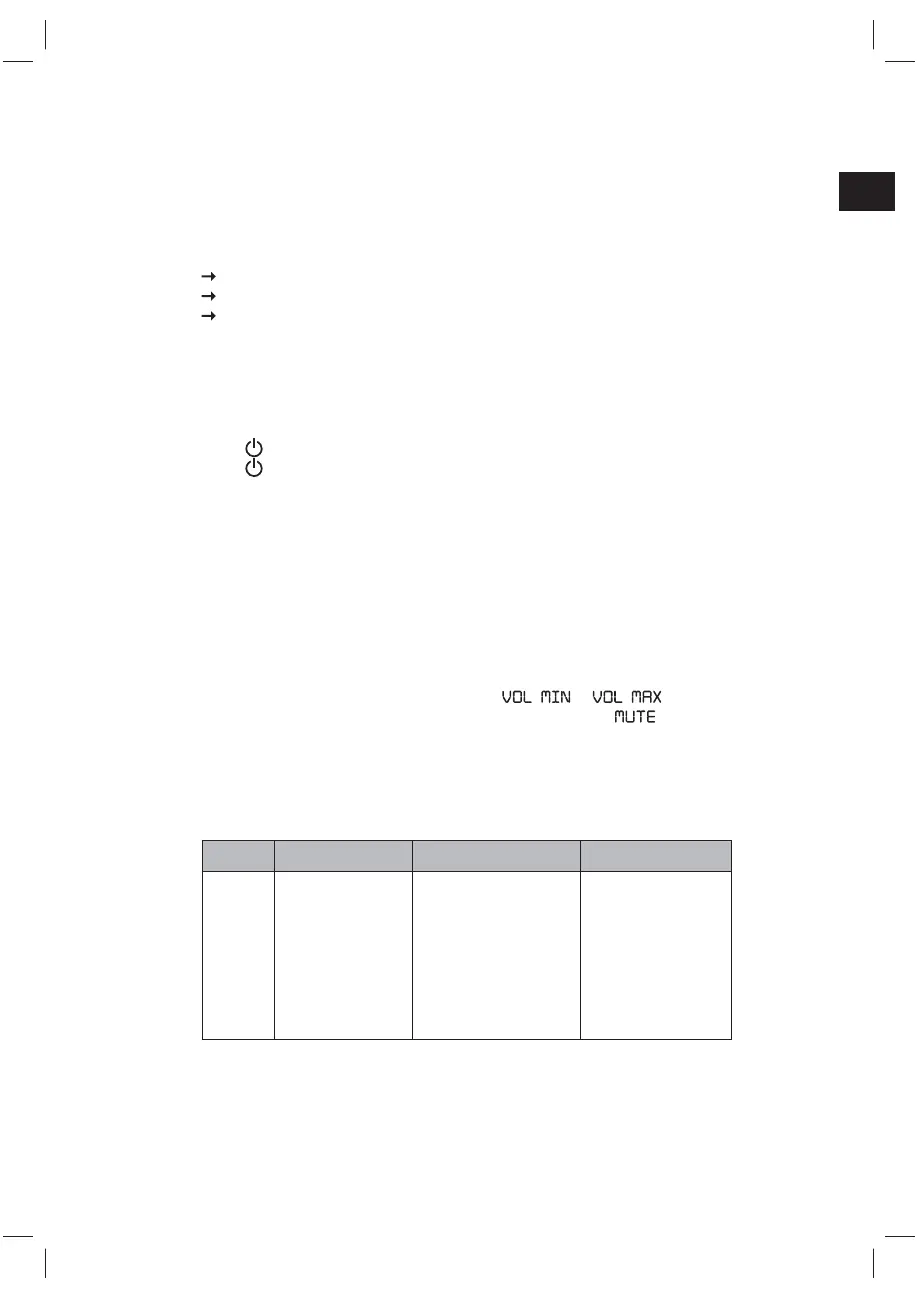
Rotate the Volume control knob (1) or press VOL- and VOL+ (37) keys on the remote
control to increase or decrease the volume level. The volume can be set in levels
between 0 and 30. The display (23) shows
to .
Press MUTE (36) on the remote control to mute the audio.
Press MUTE (36) again to resume audio.
4.3 Using the EQ (equalizer)
During playback repeatedly press the EQ (2 or 32) key to select different equalizer mode.
Key Press EQ mode Display
EQ
(2 or 32)
1x Rock
ROCK
2x Jazz
JAZZ
3x Pop
POP
4x Classic
CLASSIC
5x DBBS (bass boost)
DBBS
6x Flat
FLAT
4.4 Using decorative light
At any time of operation press and hold LIGHT (2 or 32) for 2 seconds to switch on/off
the decorative light.
(IM_for_approval)953-000067_RC1002BM_GB_V03_080115_2010955.indd 27 1/9/15 8:34 PM


 To Next Page