EasyManua.ls Logo

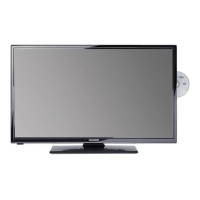
Telefunken TF-LED19S2 - User Manual

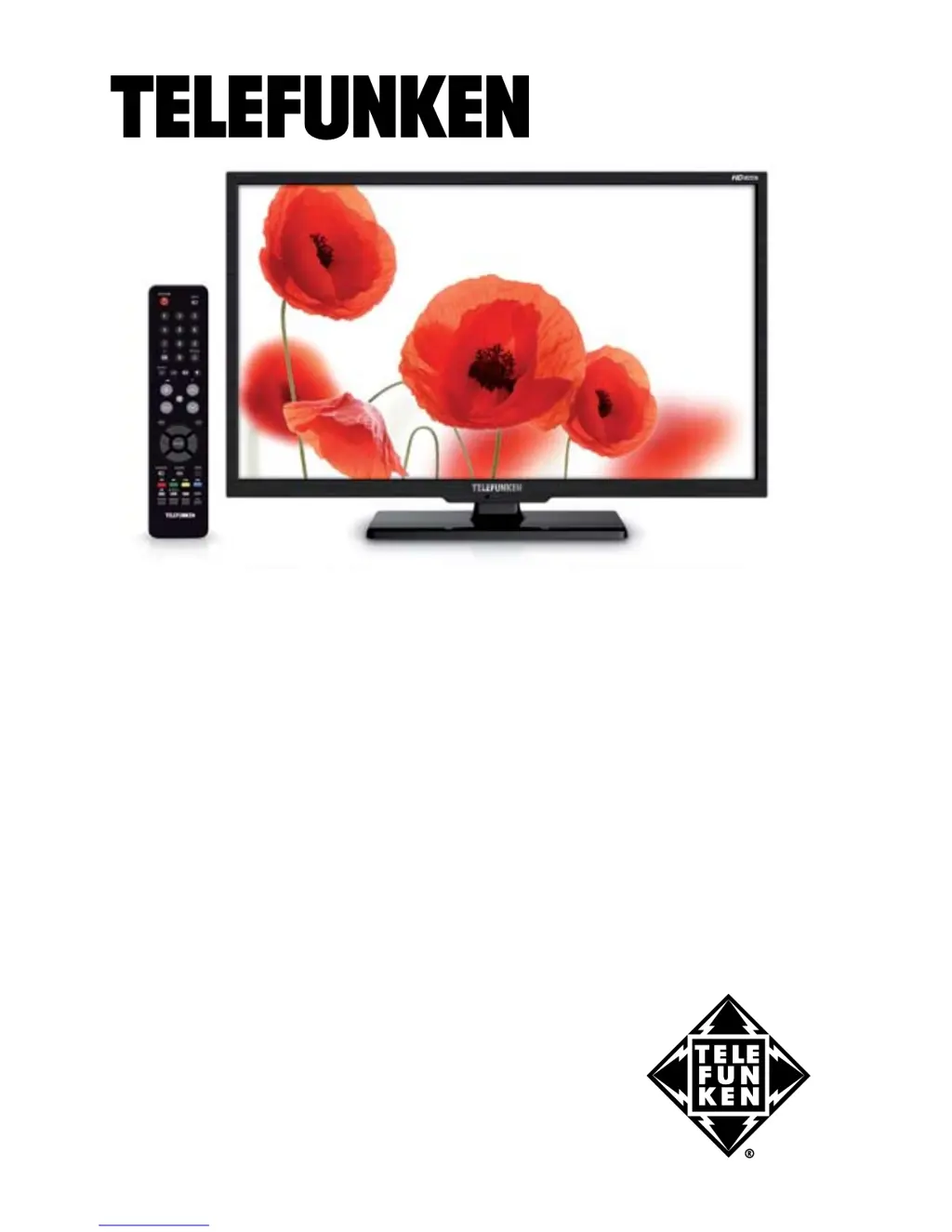
Telefunken TF-LED19S2
29 pages
Print Icon
To Next Page IconTo Next Page
Loading...
LED TV/
Телевизор цветного
изображения c
жидкокристаллическим
экраном
TF-LED19S2
Instruction manual
Руководство по
эксплуатации

Table of Contents

Questions and Answers

  • V
    Veronica WolfeAug 6, 2025
    How to fix a Telefunken TF-LED19S2 with no picture, sound, or light?
    • D
      David BurnettAug 6, 2025
      If your Telefunken LED TV has no picture, no sound, and the indicator light is off, the power cord might not be properly plugged in. Also, check that the contrast, brightness, color, and volume aren't set to their minimum values, and ensure the TV isn't muted. Plug the power cord in securely and adjust the contrast, brightness, color, and volume settings.
  • J
    Jonathan ReidAug 10, 2025
    What to do if my Telefunken LED TV has no sound?
    • M
      Melissa BridgesAug 10, 2025
      If there is no sound on your Telefunken LED TV, ensure the audio signal cord is properly connected. Also, verify that the sound system settings are correctly configured.
  • M
    Michael JohnsonAug 15, 2025
    Why does my Telefunken TF-LED19S2 LED TV have abnormal picture and sound?
    • N
      Nicole VillanuevaAug 15, 2025
      If the picture and sound on your Telefunken LED TV are abnormal, the contrast and color settings may be incorrect. Also, the color or sound system settings might be improperly configured. Adjust the contrast and color values appropriately, and ensure the sound system is set correctly.
  • J
    James HarrisAug 19, 2025
    Why is my Telefunken TF-LED19S2 showing a blue background?
    • C
      Cynthia VasquezAug 19, 2025
      If your Telefunken LED TV displays a blue background, it could be due to a missing video signal or an improperly connected signal cord. Ensure the signal cord is correctly and securely connected.
  • A
    Amanda Alexander DDSAug 23, 2025
    How to fix a Telefunken TF-LED19S2 LED TV remote that is not working?
    • J
      Joshua TaylorAug 23, 2025
      If the remote control (RC) for your Telefunken LED TV isn't working, the batteries might be installed incorrectly or they may be exhausted. Make sure the positive and negative polarities are correct when installing the batteries, reattach the battery lid, and try replacing the batteries with new ones.
  • C
    Caroline BowenAug 28, 2025
    Why does my Telefunken TF-LED19S2 picture look spotted or snowy?
    • R
      rochalouisAug 28, 2025
      If the picture on your Telefunken LED TV is spotted or snowy, the signal source might be low-grade or the signal quality might be poor. Try using a qualified signal cord to improve the signal.
  • E
    ethanhowardSep 1, 2025
    How to fix abnormal picture in VGA mode on Telefunken LED TV?
    • M
      marisamarquezSep 1, 2025
      If the picture in VGA mode on your Telefunken LED TV is abnormal, the PC settings might be incorrect. Check and adjust the resolution parameters on your PC.

Summary

Before You Start

Utilization of the product

Information on proper disposal and recycling of the product.

Important Safeguards

Critical safety precautions to follow before operating the TV.

Installation Procedures

Details on wall mounting and stand installation for the TV.

Operation

Connection and Setup

How to connect antennas and other external devices to the TV.

Control Elements Overview

Identification and description of TV front and back panel controls.

Remote Controller Functions

Explanation of remote control buttons and battery replacement.

General & Teletext Operations

Basic TV operations and how to use the Teletext feature.

OSD, Channel & Picture Settings

Navigating OSD menus for channel tuning and picture adjustments.

Sound, Timer & Option Settings

Adjusting sound, setting sleep timers, and configuring TV options.

USB & File Playback Operations

Connecting USB devices and playing media files like photos, music, videos.

General Information

Troubleshooting Guide

Solutions for common TV problems and causes of interference.

Product Accessories & Specifications

List of included accessories and detailed technical specifications.

Telefunken TF-LED19S2 Specifications

General IconGeneral
Screen Size19 inches
Display TypeLED
Aspect Ratio16:9
HDMI Ports1
USB Ports1
Brightness200 cd/m²
Audio Output2 x 3W
Response Time5 ms
Headphone JackYes
Resolution1366 x 768 pixels
Standby Power Consumption0.5W

Related product manuals