EasyManua.ls Logo

Telefunken TF-MID702G - User Manual

Telefunken TF-MID702G
35 pages
Print Icon
To Next Page IconTo Next Page
Loading...
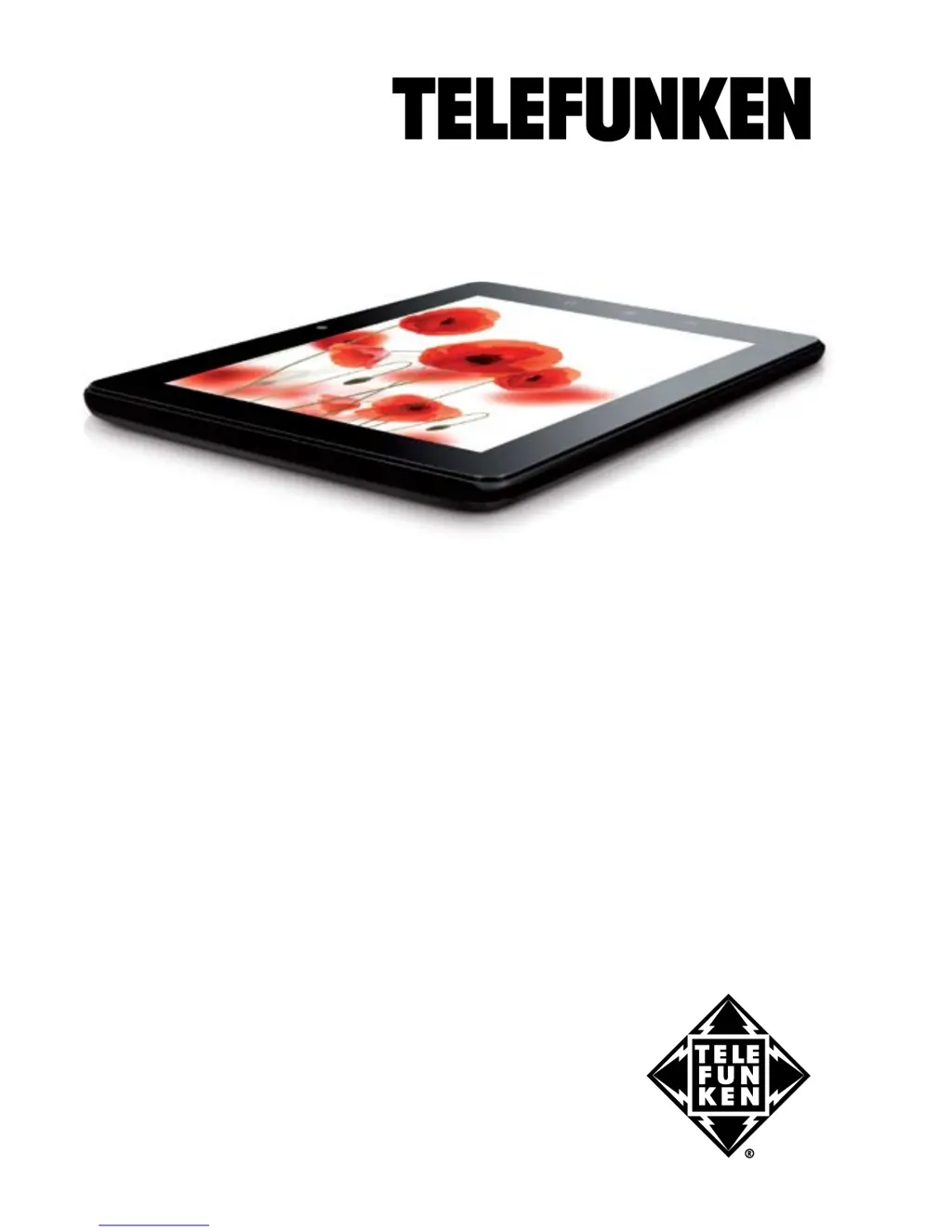
7” TABLET PC/
7” ПЛАНШЕТ
TF-MID702G
Instruction manual
Руководство по
эксплуатации

Table of Contents

Questions and Answers

  • M
    Matthew MooreAug 10, 2025
    What to do if I have problems with file copying on my Telefunken TF-MID702G?
    • J
      Johnny HamiltonAug 10, 2025
      If you're having trouble copying files to your Telefunken Tablet, first, ensure that your tablet is properly connected to your computer or laptop. If the connection is okay, the tablet's memory might be full. Try removing any unused files. Also, the issue might stem from the application you're using to copy the files. Consider reinstalling the application or trying a different one.
  • C
    cjohnsonAug 16, 2025
    How to fix problems with auto-rotation of the screen on Telefunken TF-MID702G Tablet?
    • K
      Kevin FloresAug 16, 2025
      If the screen on your Telefunken Tablet isn't auto-rotating, ensure that the auto-rotate feature is enabled in the settings. Also, check the system setup to confirm that the box next to «Auto Rotate Screen» is checked.
  • B
    Brandon MiddletonAug 22, 2025
    What to do if I have USB operation problems with my Telefunken Tablet?
    • P
      pruittcoreyAug 22, 2025
      If you are experiencing issues with USB operation on your Telefunken Tablet, ensure that the USB device is properly connected. If you're using an external hard drive, verify that it's correctly connected to a power supply and that the outlet is working.
  • S
    schroederdonnaAug 28, 2025
    How to fix problems with sound recording on Telefunken TF-MID702G Tablet?
    • H
      Hannah ShawAug 28, 2025
      If you're experiencing sound recording issues with your Telefunken Tablet, first, make sure the device's microphone is directed towards the sound source and that the recording volume is at the desired level. Also, ensure that you have the correct software installed for your audio device; reinstall it if necessary.
  • J
    Jasmine CarterSep 3, 2025
    Why my Telefunken TF-MID702G cannot read the memory card?
    • D
      dkimSep 3, 2025
      If your Telefunken Tablet isn't reading the memory card, first ensure the card is fully inserted into the correct slot. Make sure it's in the proper direction. If it still doesn't work, the card itself might be damaged; try testing it in another device. You can also try removing and re-inserting the card, and restarting your tablet. Refer to the installation instructions for the card.

Summary

Before You Start

Important Safeguards and General Provisions

Essential safety guidelines and operational rules for device usage.

Health and Safety Precautions

Warnings regarding electrical safety, user health, and high volume usage.

Power Adapter and Connector Safety

Guidelines for safe handling and connection of the power adapter and its components.

Battery Charging and Life Management

Recommendations for optimal battery charging, usage, and longevity.

Operation

Device Control Elements Overview

Identification and location of all physical buttons and ports on the device.

Basic Device Operation

Procedures for powering the device on/off and managing sleep mode.

Main Screen and Navigation

Explanation of the main interface, unlocking, and accessing applications.

Connections

Wi-Fi Network Setup

Steps to connect the device to available Wi-Fi networks.

Applications

System Setup

General Information

Troubleshooting Common Issues

Guide to identify and resolve common hardware and software problems.

Detailed Technical Specifications

Comprehensive technical data and specifications of the tablet device.

Power and Startup Problems

Solutions for issues related to powering the device on or it shutting down.

Battery Performance Issues

Troubleshooting steps for fast battery drain and charging failures.

Telefunken TF-MID702G Specifications

General IconGeneral
BrandTelefunken
ModelTF-MID702G
CategoryTablet
LanguageEnglish

Related product manuals