EasyManua.ls Logo

Telefunken TF-MID802G - User Manual

Telefunken TF-MID802G
35 pages
Print Icon
To Next Page IconTo Next Page
Loading...
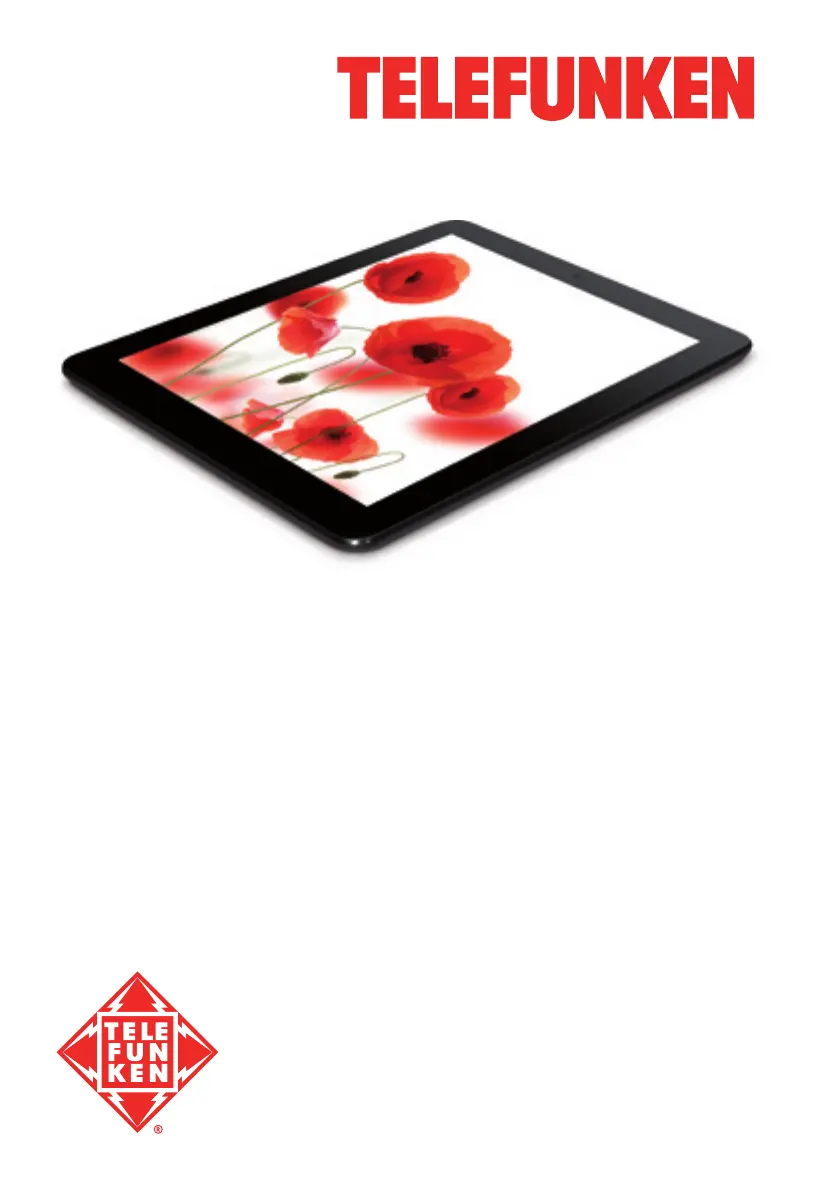
8” TABLET PC/
8” ПЛАНШЕТ
TF-MID802G
Instruction manual
Руководство по
эксплуатации

Table of Contents

Questions and Answers

  • S
    Steven StewartAug 11, 2025
    What to do if I have problems with file copying on my Telefunken Tablet?
    • L
      Logan BartlettAug 11, 2025
      If you're experiencing issues with file copying on your Telefunken Tablet, first, verify that a connection has been properly established between your computer and the device. The device memory might be full, so try removing any unused files. If the problem persists, the issue may stem from the file copying application itself; consider reinstalling it.
  • B
    Brandon GarrettAug 18, 2025
    Why is my Telefunken TF-MID802G Tablet not reading the memory card?
    • C
      Christian RiveraAug 18, 2025
      If your Telefunken Tablet isn't reading the memory card, ensure the card is correctly inserted into the appropriate slot. The card might be damaged, so test it on another device if possible. Try removing and re-inserting the card, and then restart your tablet.
  • T
    timothycastroAug 27, 2025
    How to fix problems with auto-rotation of the screen on Telefunken TF-MID802G?
    • R
      ryan66Aug 27, 2025
      If the screen of your Telefunken Tablet isn't auto-rotating, make sure that the auto-rotate feature is enabled. Check the settings and ensure there's a tick next to the «Auto Rotate Screen» option.
  • C
    christine36Sep 2, 2025
    What to do if I have problems with sound recording on my Telefunken TF-MID802G?
    • L
      longmatthewSep 2, 2025
      If you are experiencing problems with sound recording on your Telefunken Tablet, ensure the device’s microphone is directed towards the sound source and that the recording volume is at the desired level. Also, make sure the proper recording software is installed; reinstall it if necessary.

Summary

Getting Started

Safety and Handling Precautions

Covers general provisions, health and safety, and power adapter precautions.

Device Operation

Control Panel and Ports

Identification of front and rear panel buttons, ports, and connectors.

Power, Sleep, and Navigation

Powering on/off, sleep mode, rebooting, and main screen navigation.

Wi-Fi, 3 G, and GPS Connectivity

Connecting to Wi-Fi, 3G networks, and using A-GPS.

Installing New Applications

Installing new software from various sources like Android Market or USB drives.

System Settings Overview

Introduction to the Settings menu for device configuration.

Wireless and Network Configuration

Configuring Wi-Fi, Bluetooth, and mobile data usage.

General Information and Support

Troubleshooting Common Issues

Common hardware and software problems and their solutions.

Device Technical Specifications

Detailed technical specifications of the tablet PC.

Telefunken TF-MID802G Specifications

General IconGeneral
BrandTelefunken
ModelTF-MID802G
CategoryTablet
LanguageEnglish

Related product manuals