24
How do I install
my CI+ module?
Installing your CI+ module is easy. Just complete the following steps.
Important note
:
don’t insert your CI+ module in your TV until step 4!
step 1
Check whether your TV is certified
for your CI+ module
To watch digital TV with your CI+ module, your TV must be compatible.
You can check this by visiting telenet.be/tvmeteenkaartje, where you
can also download the complete list of suitable TVs.
step 2
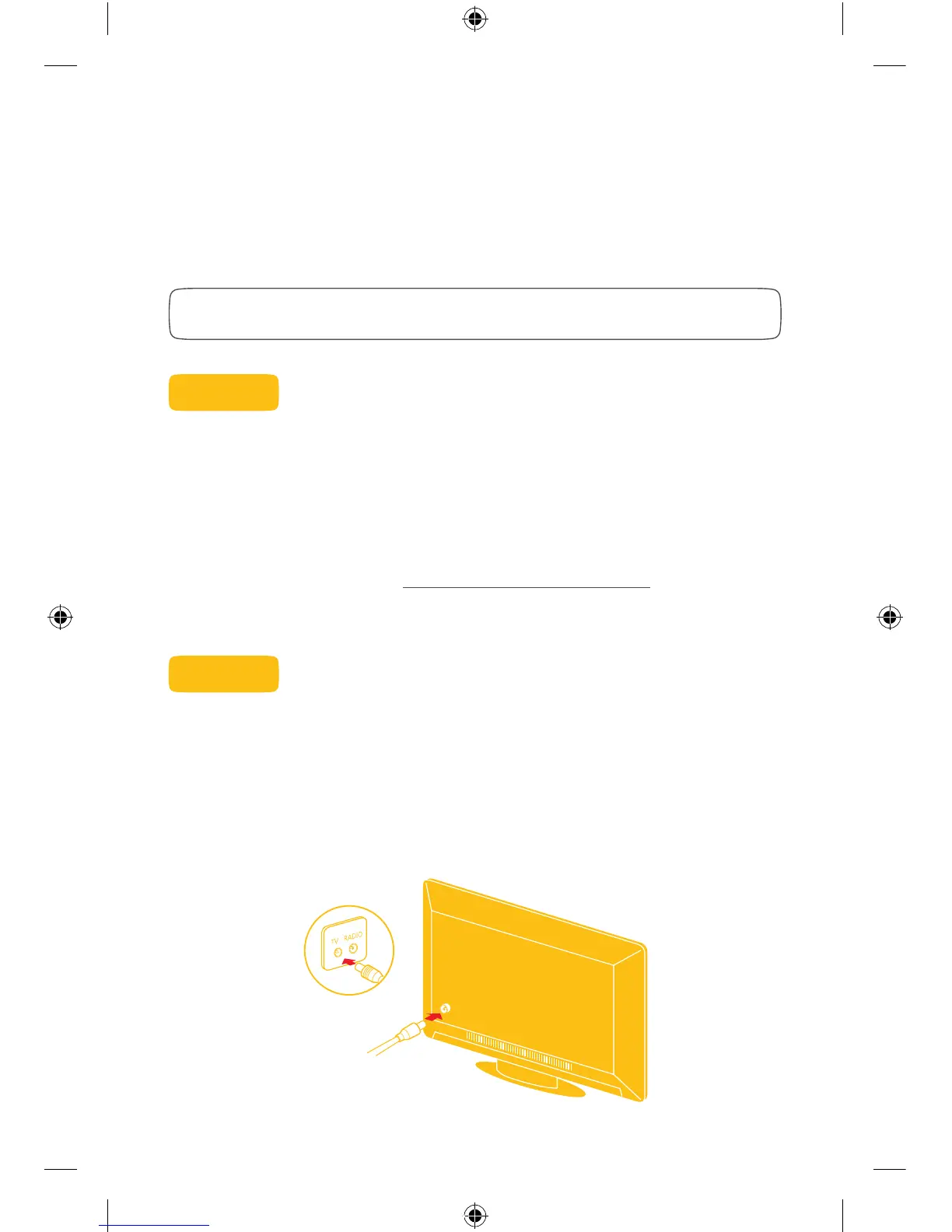
Connect your TV to the cable
Make sure your TV is connected to the Telenet cable network by running
a coax cable from your TV to the TV wall socket. Turn on the TV.
TELNDIV6T746_Update_Handleiding_180Hx120.indd 24 04/05/16 17:07


 To Next Page