© 2011 TeleType Co.
25
Getting Started
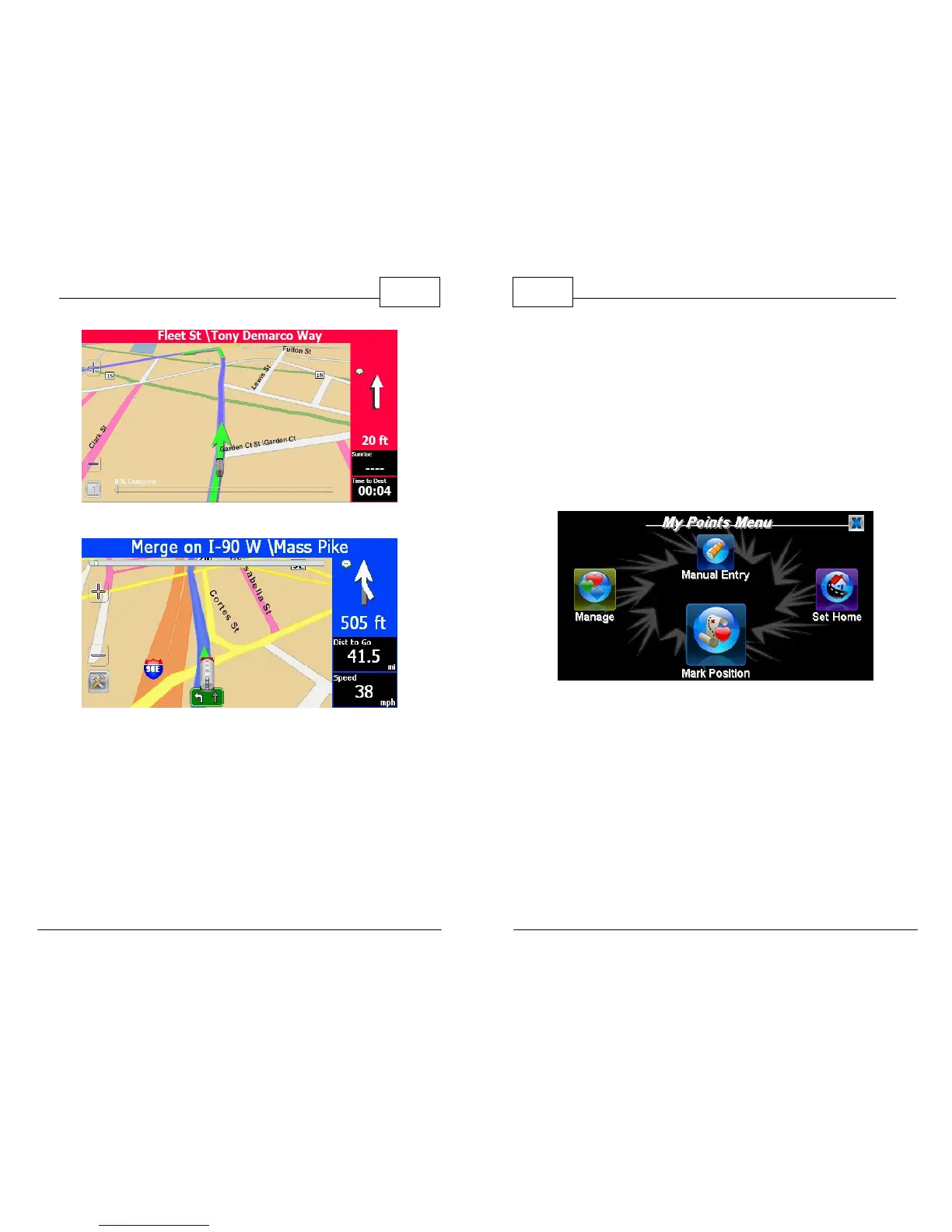
Restricted Area (Red)
Simulator Mode (Blue)
WorldNav Navigation Software
26
© 2011 TeleType Co.
2.7 Set Home Address and Route to an
Address
When you travel away from home it is convenient
to be able to route "Home" easily. You need to set
your home address by pressing <Menu> then
<My Points> then <Set Home>.
My Points Menu
Here you will have the following choices:
• By Address: Allows you to manually enter in
physical address. Ex: 44 School St., Boston, MA
• By GPS Position: Marks "Home" at your
current location (Satellite signal must be fixed)
• By Map Position: Sets home at the location
that is displayed on the screen



 To Next Page