© 2011 TeleType Co.
23
Getting Started
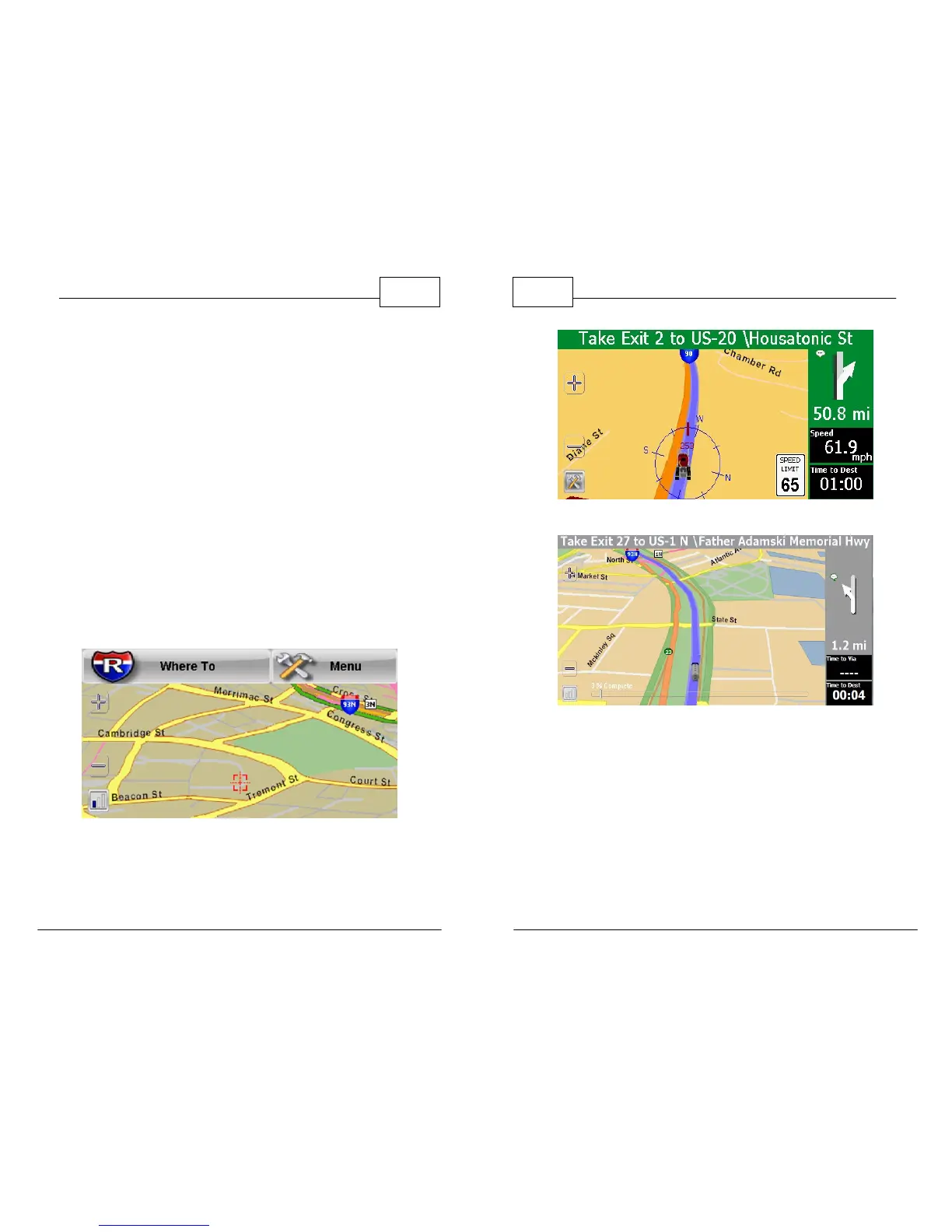
When the "Where to" and "Menu" buttons
disappear it means you are in Navigation mode and
the map will automatically orient in the direction of
travel. The following pictures show Map Mode and
Navigation Mode with a route in progress.
The Nav Panel colors will vary based on type of
road. The colors are as follows:
• Gray - Lost Signal (such as a tunnel)
•
Red - Restricted Area (get out!)
• Green - Navigation Mode
• Blue - Simulator Mode
Map Mode
WorldNav Navigation Software
24
© 2011 TeleType Co.
Navigation Mode (Green)
Lost Signal (Gray)



 To Next Page