© 2011 TeleType Co.
61
Getting Started
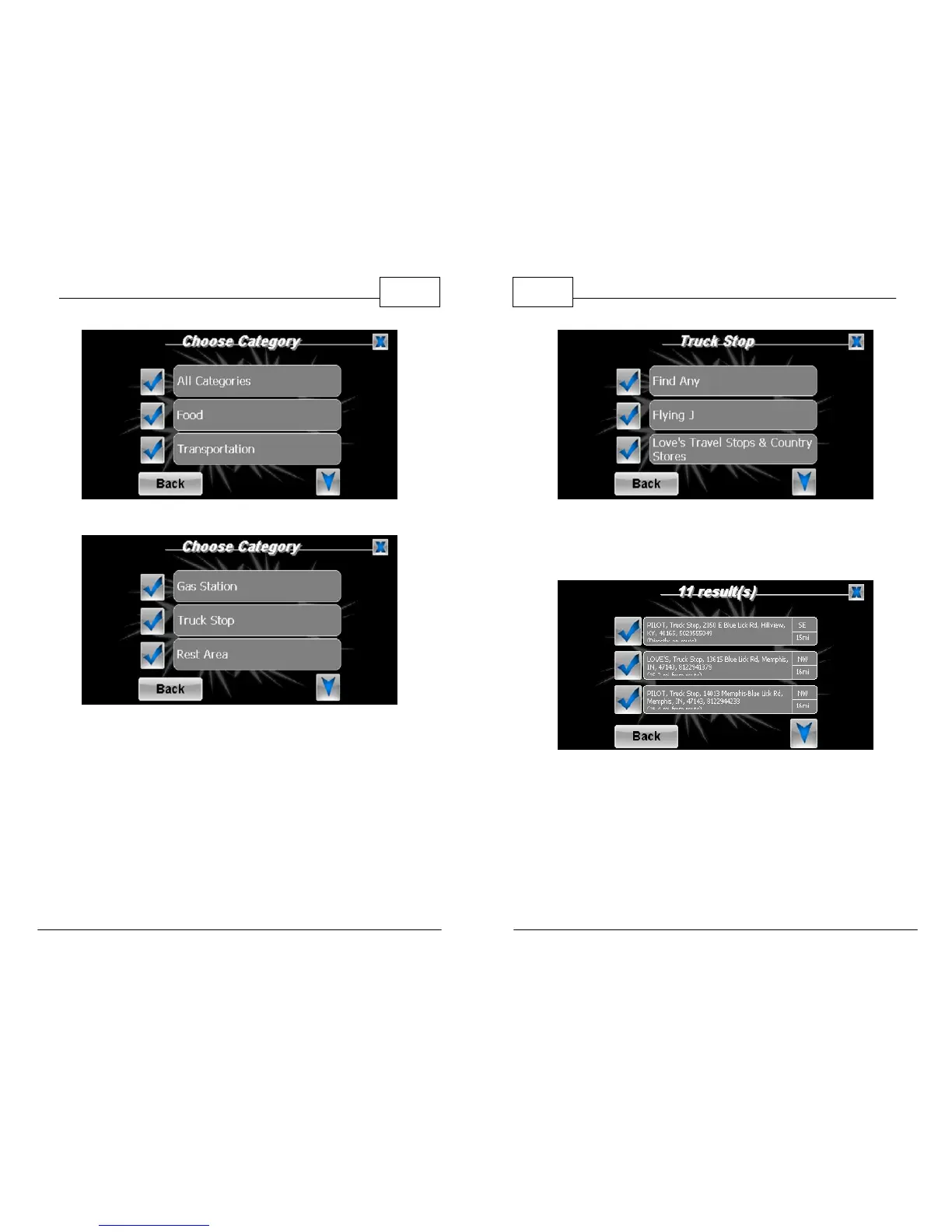
Select Transportation
Select Truck Stop
WorldNav Navigation Software
62
© 2011 TeleType Co.
Select Find Any
2. Choose the desired truck stop.
Select Truck Stop
3. You chose whether you want to route directly
to the truck stop (Route To), continue to your
destination via this truck stop
(Route Via) or save the location as a My Point (
Mark).



 To Next Page