© 2011 TeleType Co.
63
Getting Started
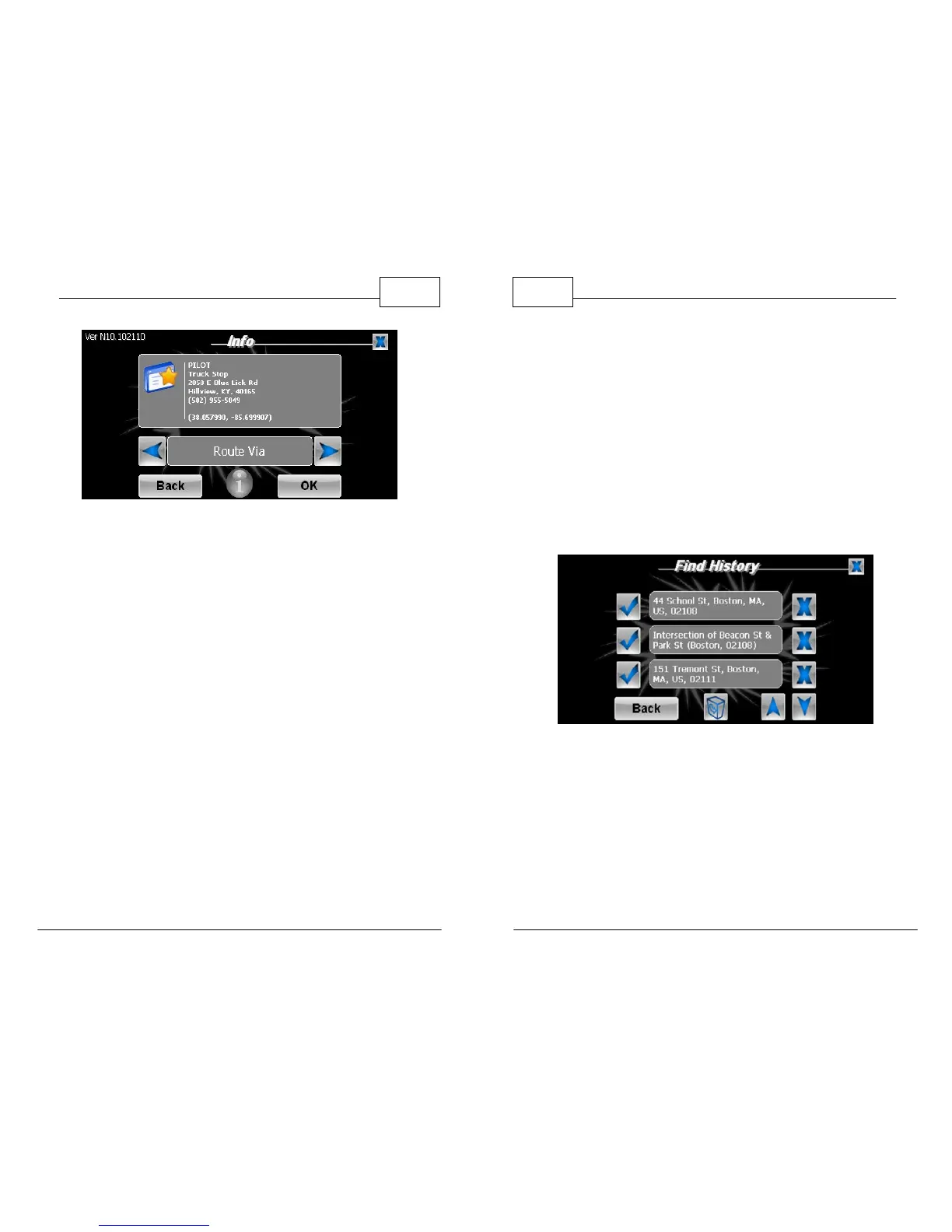
Choose to Route To, Route Via or Mark
WorldNav Navigation Software
64
© 2011 TeleType Co.
2.13 History
There are two ways of accessing your Find History.
First, by selecting <Where To> then <Find>, right
arrow, and then <History>. From here you may
press a corresponding check mark to show the
address, delete a listing, or view more listings
within the history. Press the trash icon to delete the
entire history.
History of Previous Search Results
You can also access your Find History by selecting
<Menu>, <Find>, right arrow, and then <History>.
Through this screen it is possible to manage the
points in your Find History the same way you
manage your My Points.



 To Next Page