© 2011 TeleType Co.
73
Working with My Points
can be accessed for future use. Selecting
<Route Via> will create a route to the destination
by way of the My Point you have selected.
WorldNav Navigation Software
74
© 2011 TeleType Co.
3.2 Mark My Point at Current Position
There are two ways to mark a My Point at your
current position. Use this option to mark a location
that you travel to frequently.
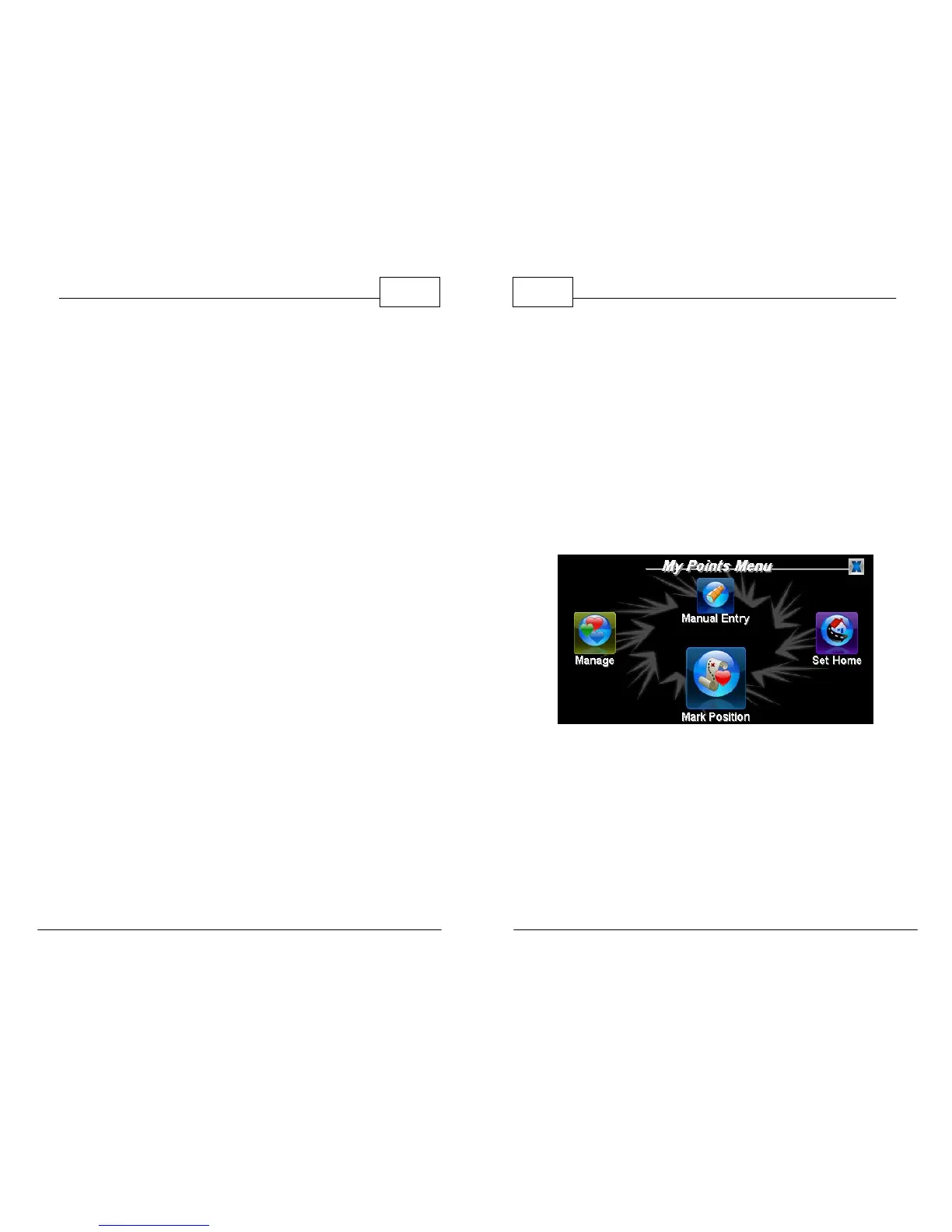
1. First, while in Map Mode, press <Menu> and
then <My Points>. Press <Mark Position> to
mark your current position.
My Points Menu
2. Second, and also while in Map Mode, press on
the red crosshairs [+] in center of the screen.
The red crosshairs will turn blue. The Info
screen will come up. Use the right arrow to
select <Mark> to mark your current position.



 To Next Page