© 2011 TeleType Co.
75
Working with My Points
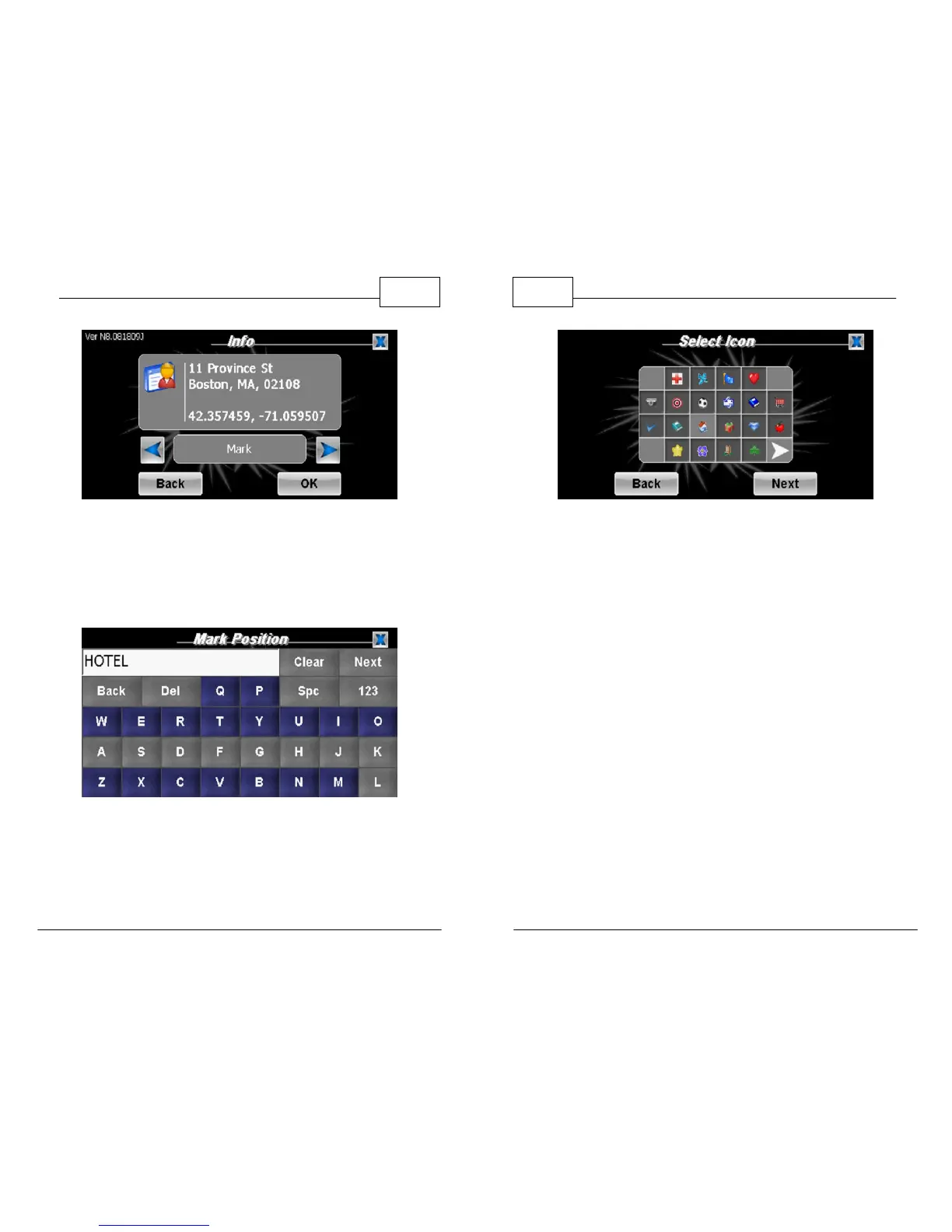
Info Page
3. From here (in both cases), enter the name for
your current position and select an icon to
represent the position.
Naming a My Point
4. Your current position will now be recorded as a
My Point and will appear on the screen as the
icon you selected.
WorldNav Navigation Software
76
© 2011 TeleType Co.
Selecting a My Point Icon



 To Next Page